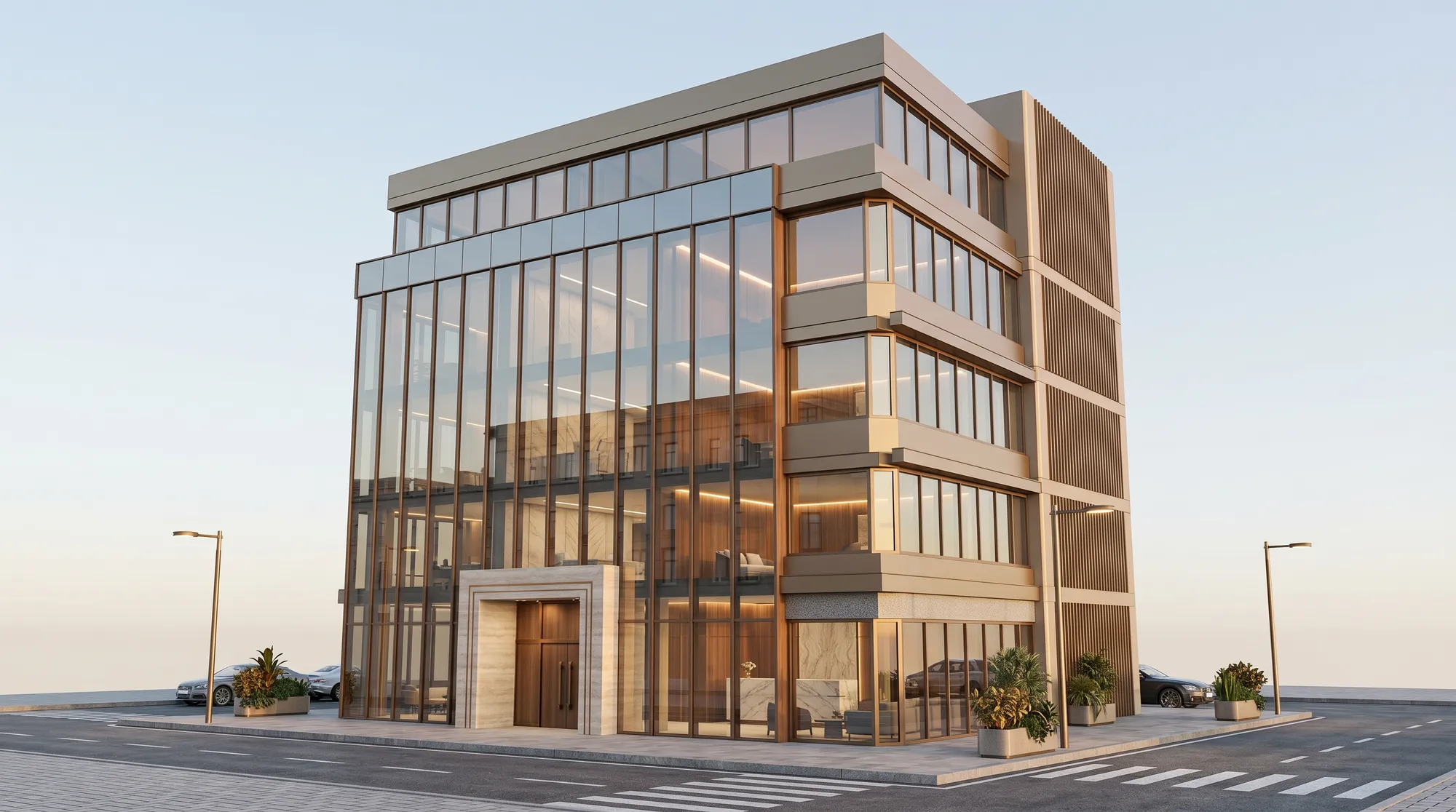
AI architectural rendering

Turn sketches and 3D model views into architectural renders.

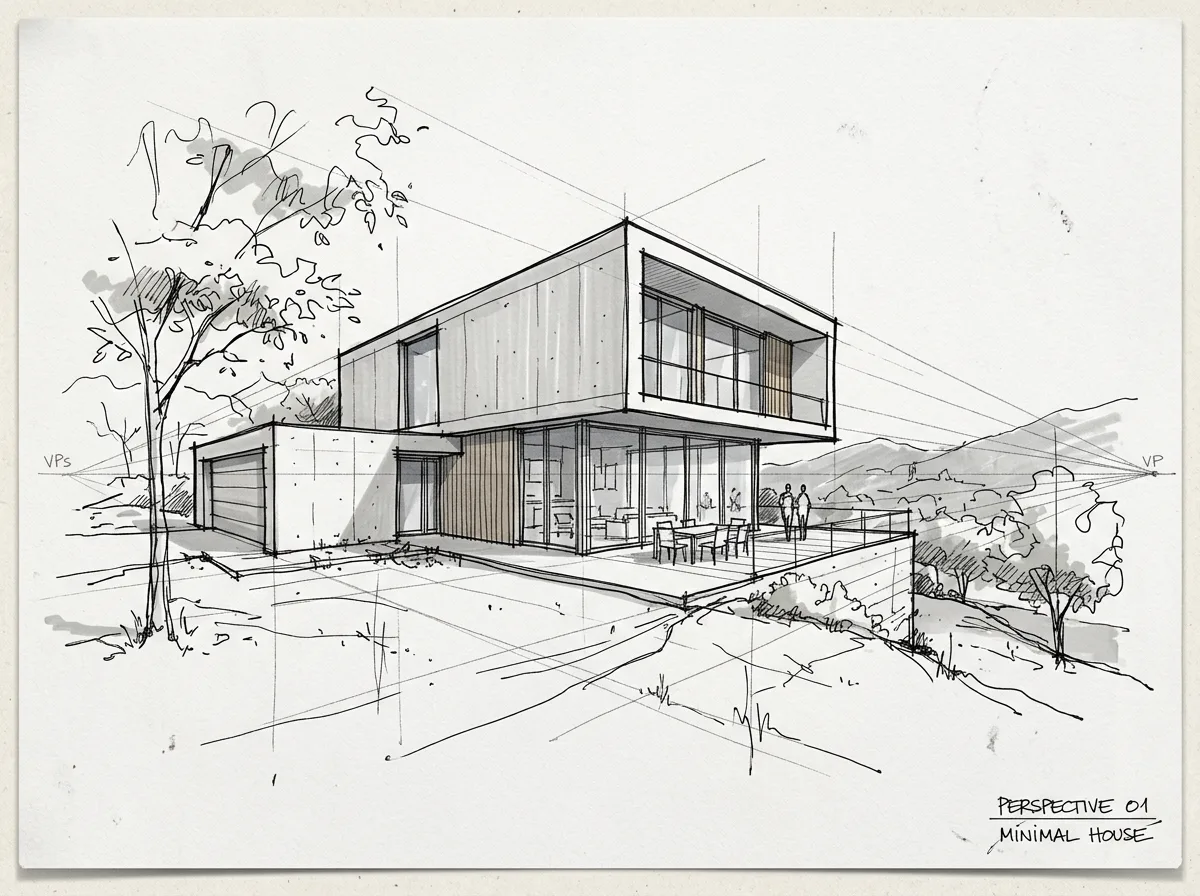
Upload a sketch or a view from SketchUp, Revit or Rhino and generate an architectural or interior render in your browser.

No image handy? Try a sample
Free · no credit card · 3 previews · you own every render
Designed to preserve your geometry — compare with your original
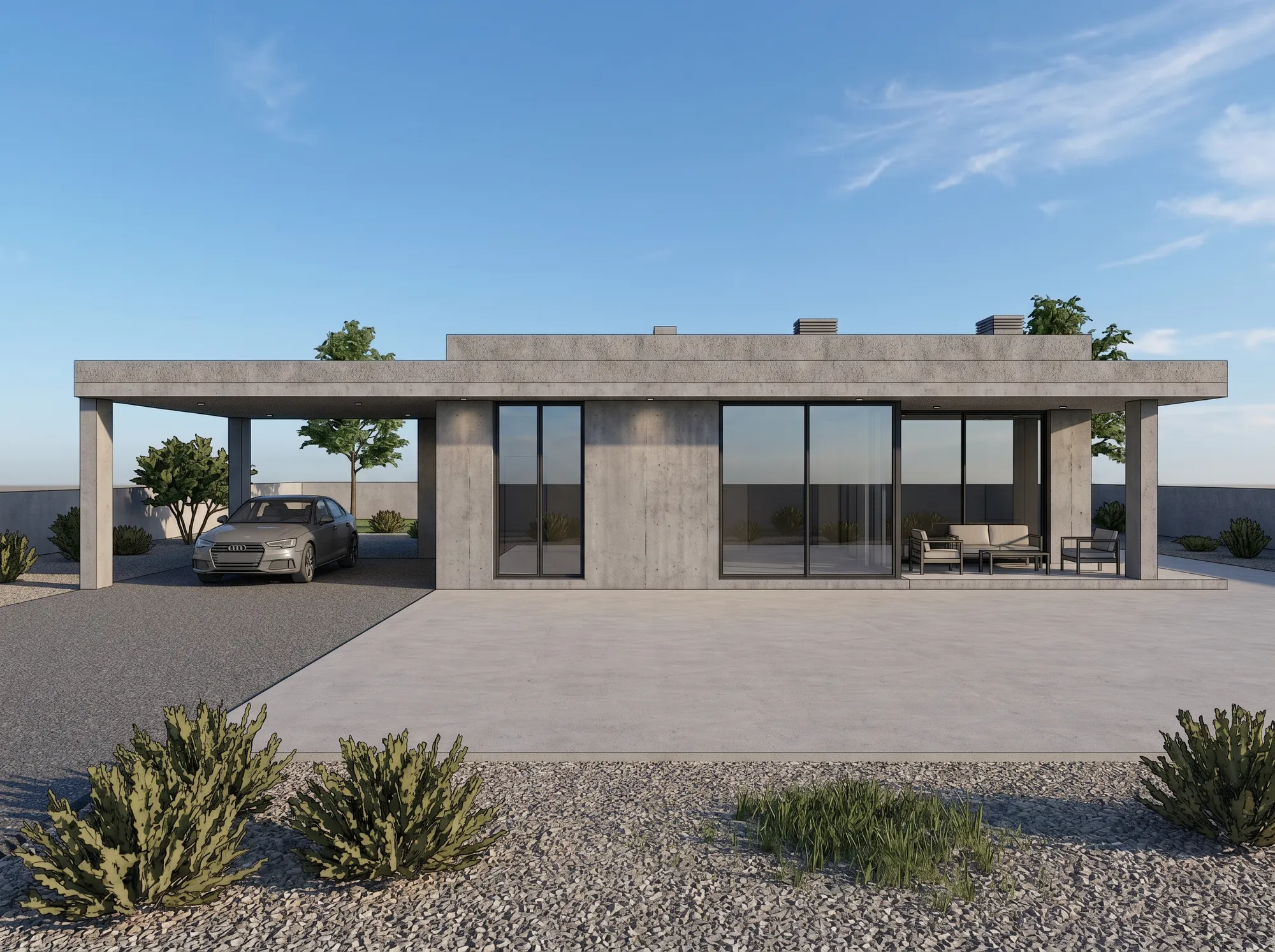
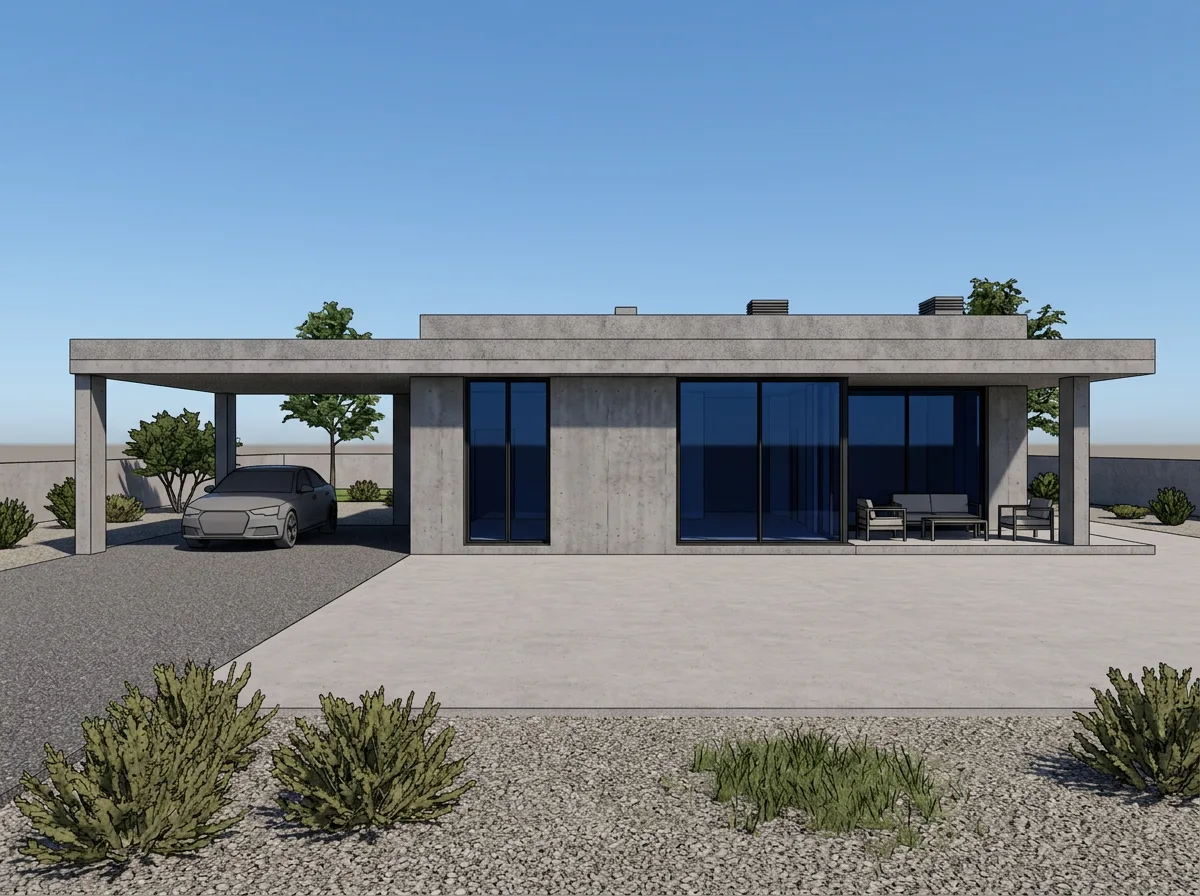
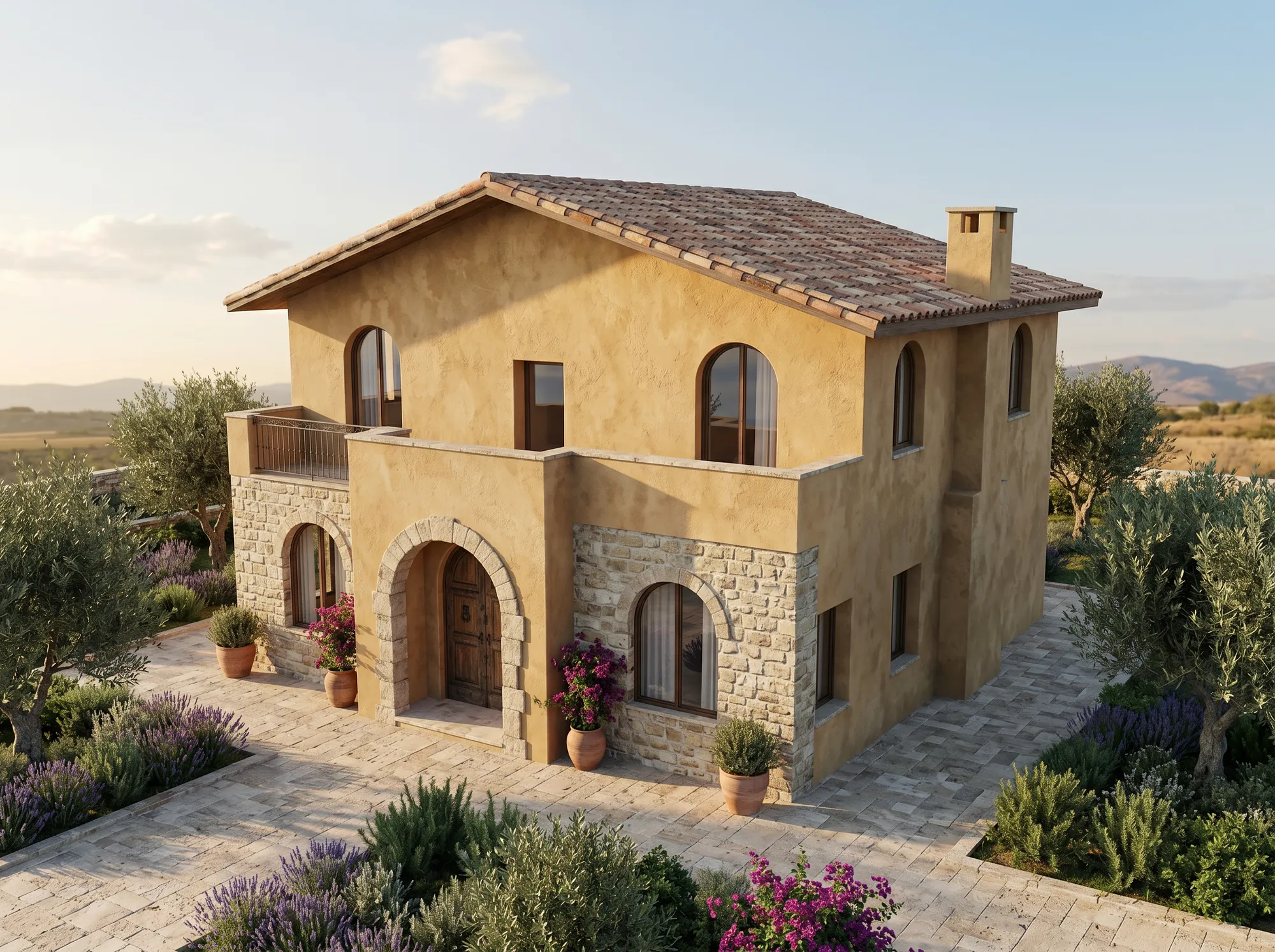
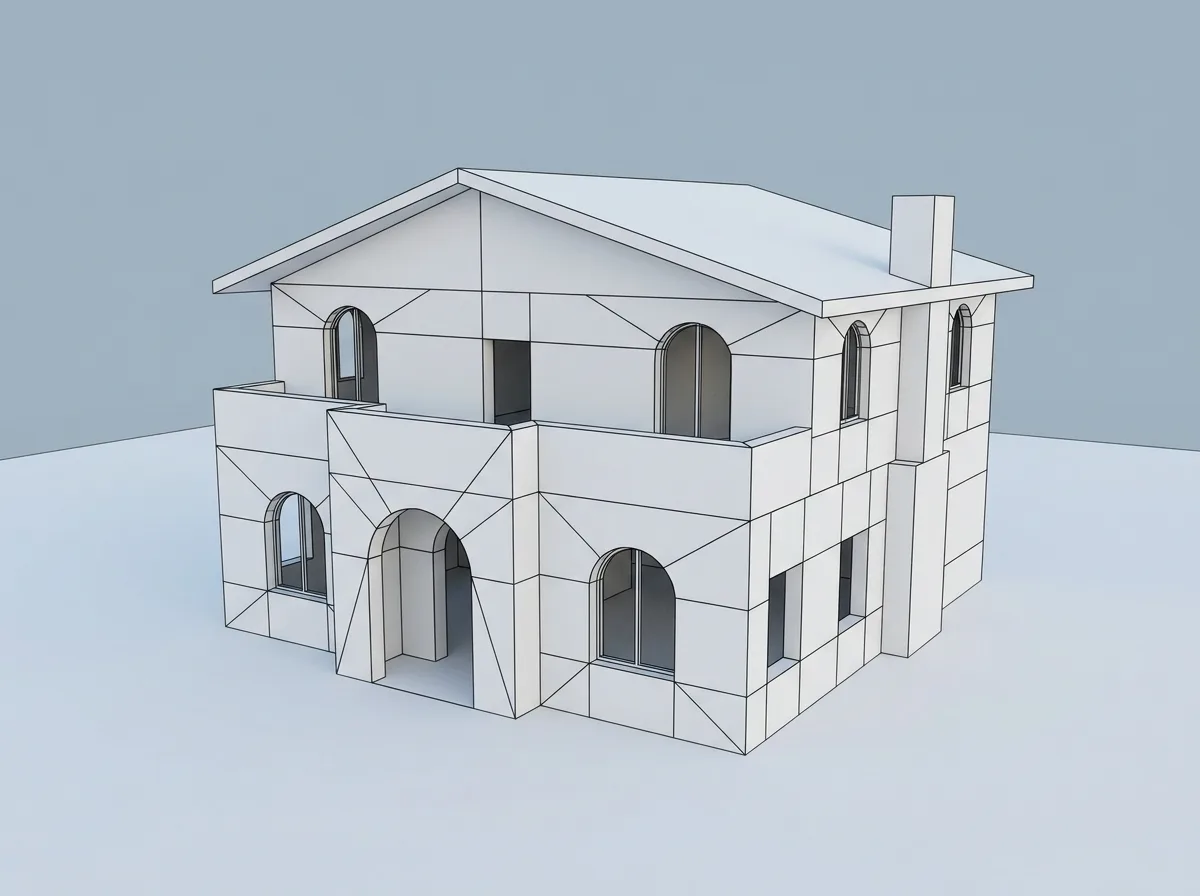
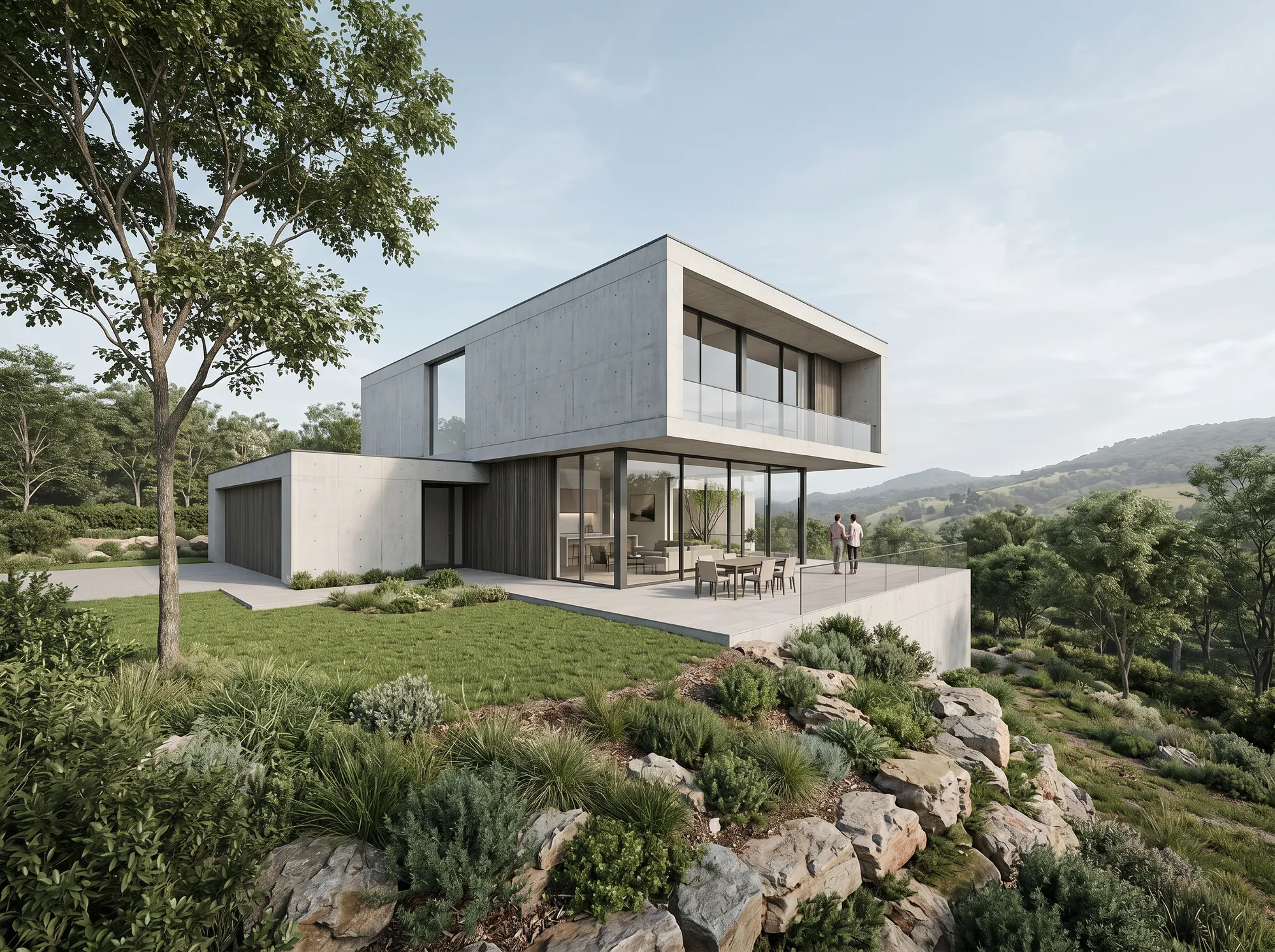
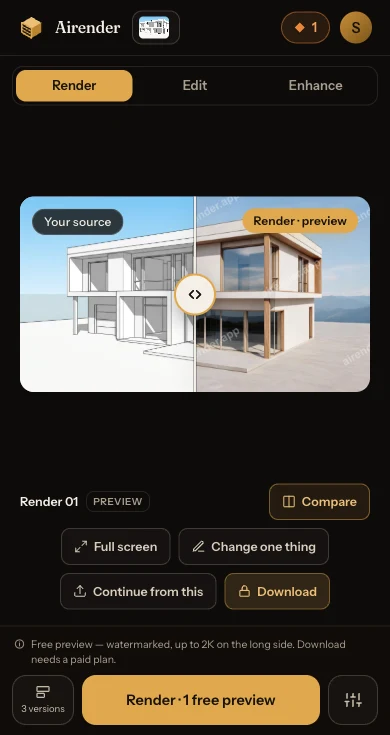
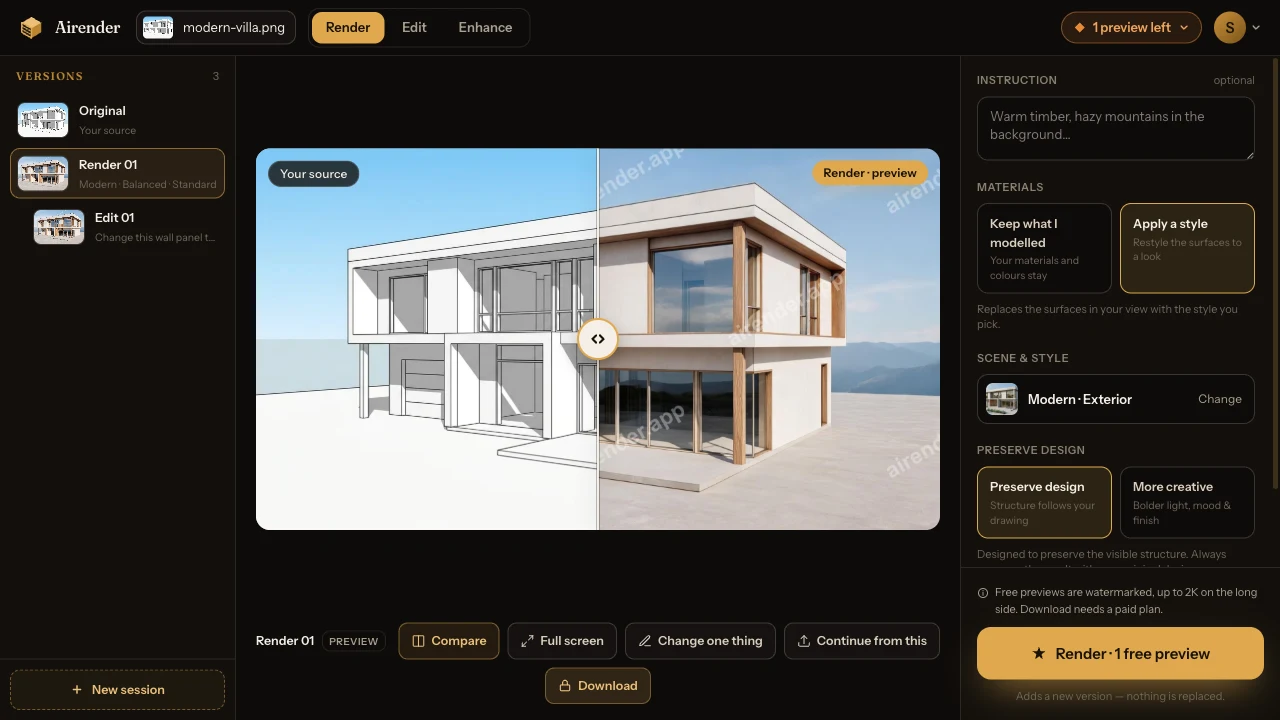
Example render — AI renderExample render — inputBeforeAfter
Example · drag to compare
Works with
SketchUp·Revit·Rhino·Archicad
Why switch

Skip the render pipeline — keep the render.

No Enscape or V-Ray to wire up, no $250 outsource, no half-day wait. Same geometry in — the four steps that used to eat your afternoon look very different now.

The old wayAirender
Render setup
Hours wiring up Enscape or V-Ray
No setup — it runs in the browser
Time to first image
Half a day
About a minute
Changing the design
Re-render from scratch
Re-prompt instantly
Cost per image
$250+ outsourced
Free to start

Times reflect a typical exterior. Your geometry & IP stay yours.

Generate 3 free previews

Workflow

Three steps to a finished render

01

Upload

Drop a sketch, SketchUp / Revit / Rhino screenshot, or a draft render. JPG, PNG or WebP.

02

Choose intent

Pick project type and a style preset, then how faithful the result stays to your geometry.

03

Generate & compare

Get a finished render, then drag to compare and unlock HD.

You hold the dial

Your geometry stays yours.

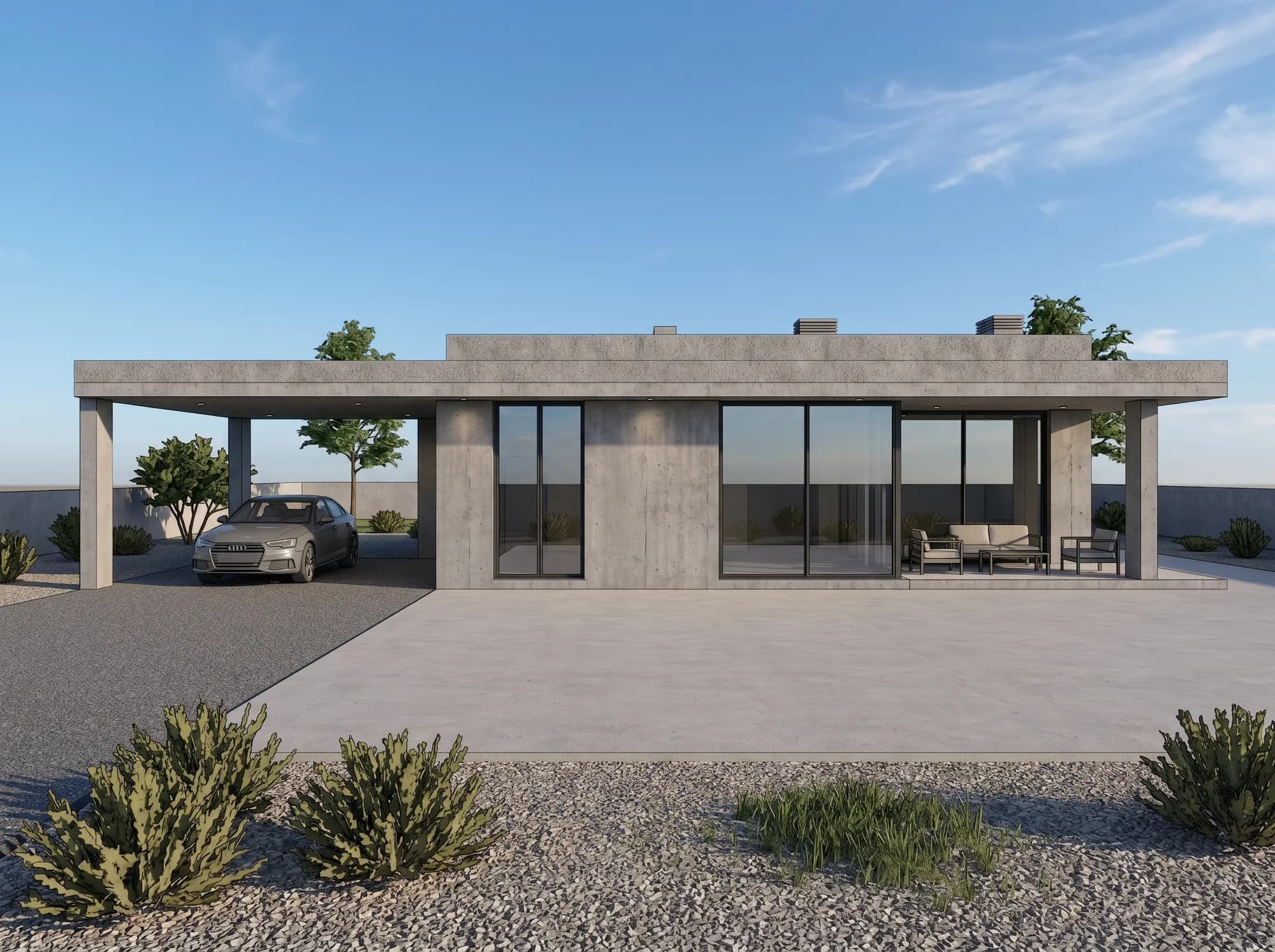
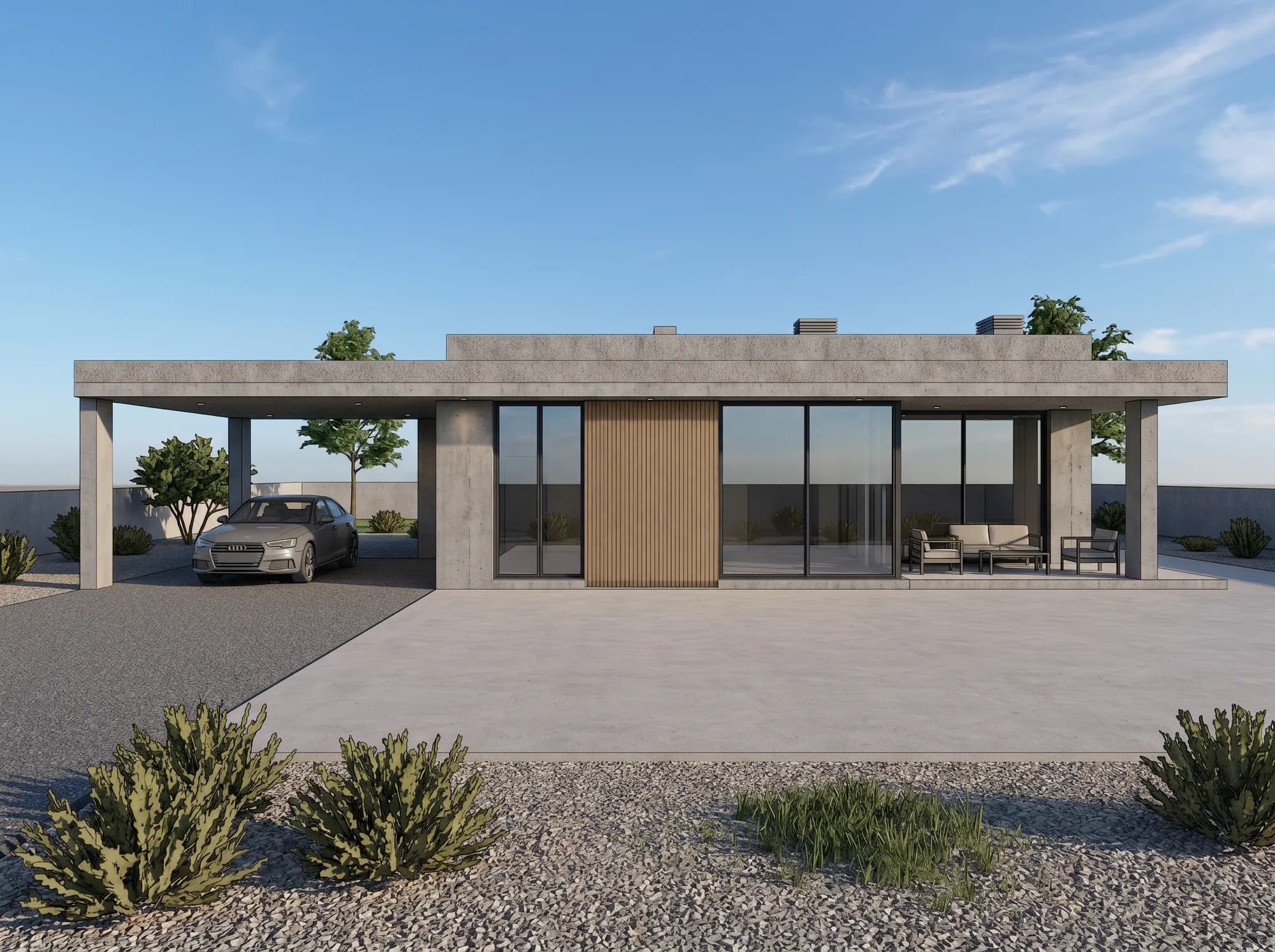
Every render starts from your model and one fixed camera. The fidelity dial decides how far the materials, light and mood may travel — from a faithful match to a bolder, atmospheric take. It’s designed to preserve the visible structure — always compare the result with your original design.

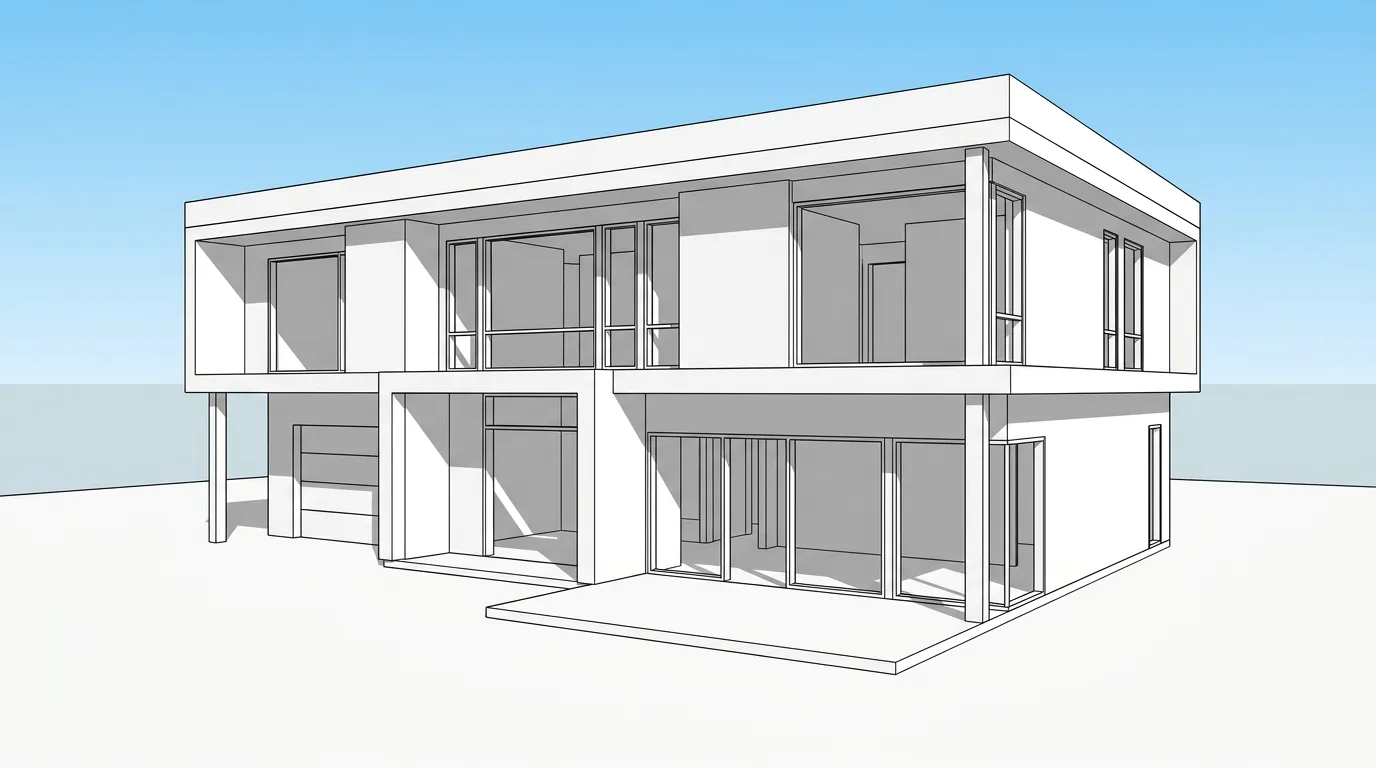
Your model
Your model
One camera · locked
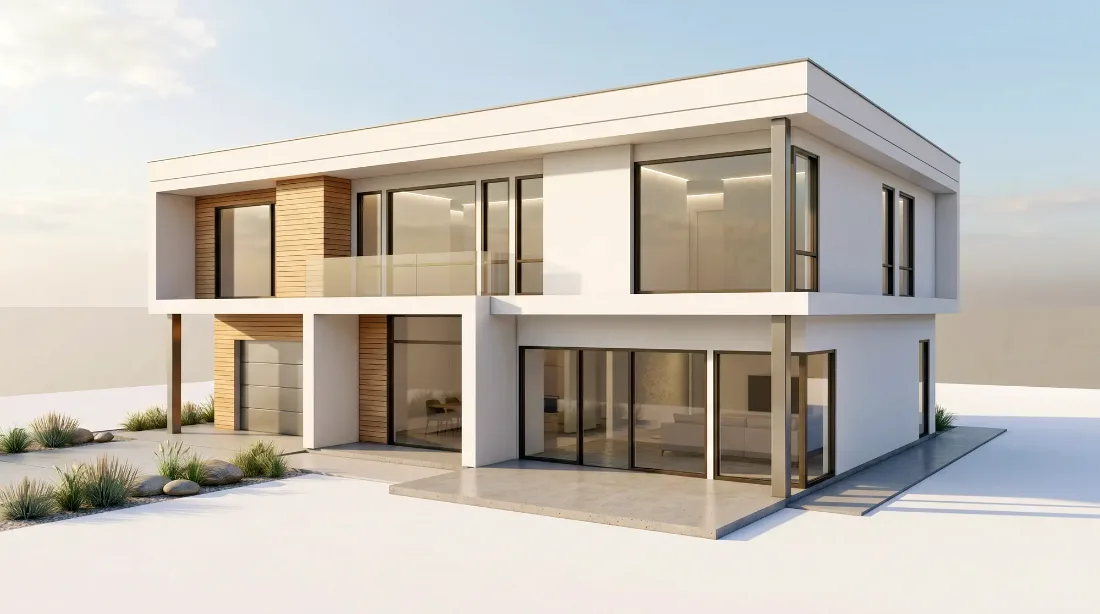
Faithful renderFaithful
Materials & daylight stay true to your model.
Balanced renderBalanced
Refined materials, warm natural light. Recommended.
Creative renderCreative
Same form & camera — bolder light, mood & finish.
Fidelity dialDrag to set deviation
FaithfulBalancedCreative
Across all three, it’s designed to keep your massing, openings and camera in place — always compare the result with your original design.

Trust

Your projects, your rights

Commercial use

Paid plans include rights to use renders in client proposals, bids and portfolios.

You own every render

Your uploads and results stay yours — private to your account, never shown publicly without your say.

We don’t train on your uploads

Your sketches and models are processed to generate your renders, not to train models.

Pricing

Start free. Pay for finished output.

Everyone starts with 3 free previews. Annual plans get 2 months free.

Starter

$24/mo

billed annually ($288/yr)

  • 210 credits / mo
  • Standard · HD · Ultra
  • Watermark-free exports

Pro

Popular

$49/mo

billed annually ($588/yr)

  • 500 credits / mo
  • Standard · HD · Ultra
  • Lower cost per render

Studio

$108/mo

billed annually ($1296/yr)

  • 1,200 credits / mo
  • Standard · HD · Ultra
  • Lowest cost per render

Every plan: watermark-free exports · commercial license · cancel anytime

FAQ

Questions architects ask

What inputs work best?+

Perspective sketches and SketchUp / Revit / Rhino / Archicad screenshots, plus draft renders. Avoid flat 2D floor plans — the MVP focuses on perspective views.

Will it keep my building’s geometry?+

It’s designed to. “Faithful” aims to preserve massing, openings, roof lines and perspective; “Balanced” keeps the visible structure while enhancing materials and light. Designed to preserve the visible structure. Always compare the result with your original design.

What do I get for free?+

3 free watermarked, low-resolution previews after sign-in. Upgrade to unlock HD, no watermark, commercial use and more generations.

Can I use the renders commercially?+

Yes — all paid plans (Starter, Pro, Studio) include commercial-use rights for client proposals and portfolios.

Founding cohortNow inviting the first studios — by hand, one at a time.

Be one of the first studios to use it.

Airender is new — and we’re onboarding our first studios deliberately, while we tune the model on real architectural work. Get in now and you don’t just use the tool. You help shape what it becomes.

Judge the output free, first
Run previews on your own drawings before you commit to anything. No card, no contract — decide from real results.
Built around your workflow
We’re shaping Airender with founding studios — around SketchUp, Revit and Rhino, and the way you actually work.
Founding architects shape the product
Full commercial rights on every paid render, plus a direct say in the roadmap.

No credit card · 3 free previews to judge it yourself · your geometry & IP stay yours