AI architectural rendering software — from your design view to a client-ready image.
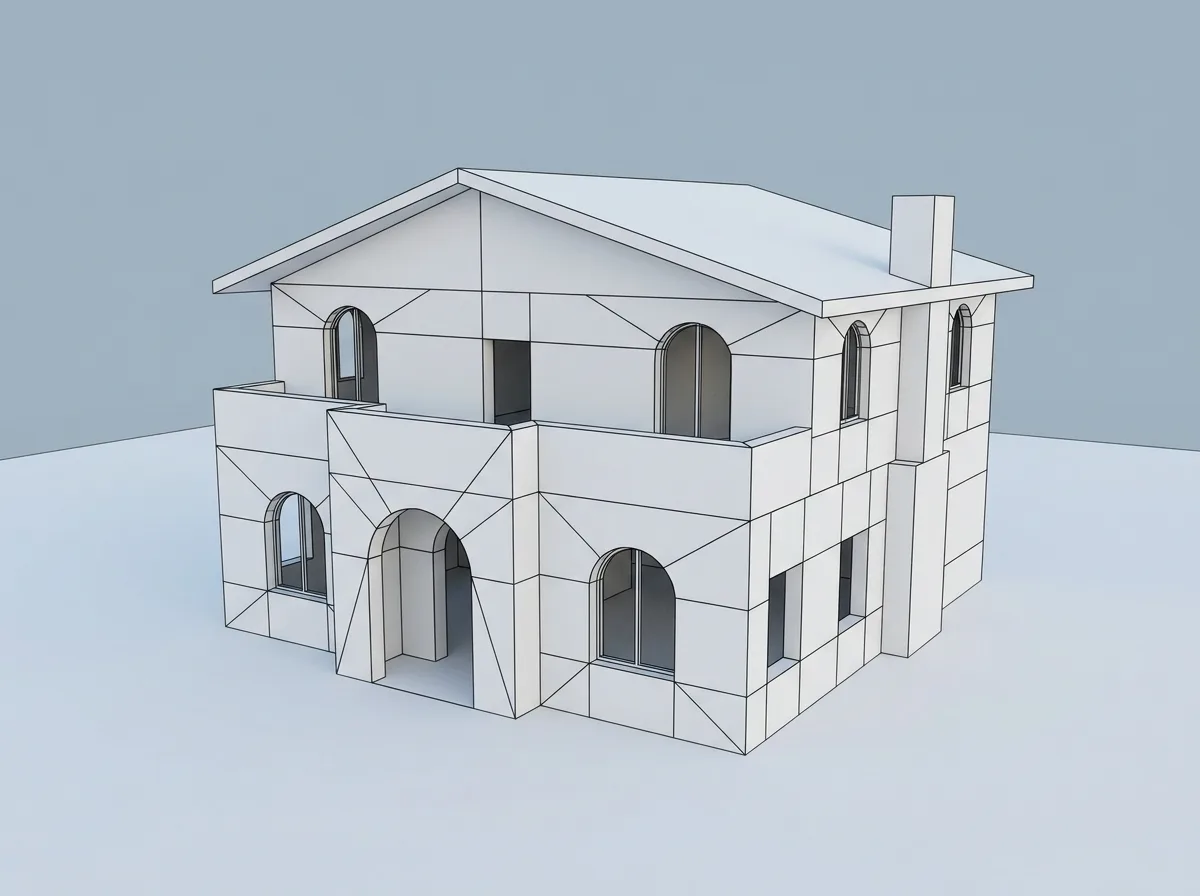
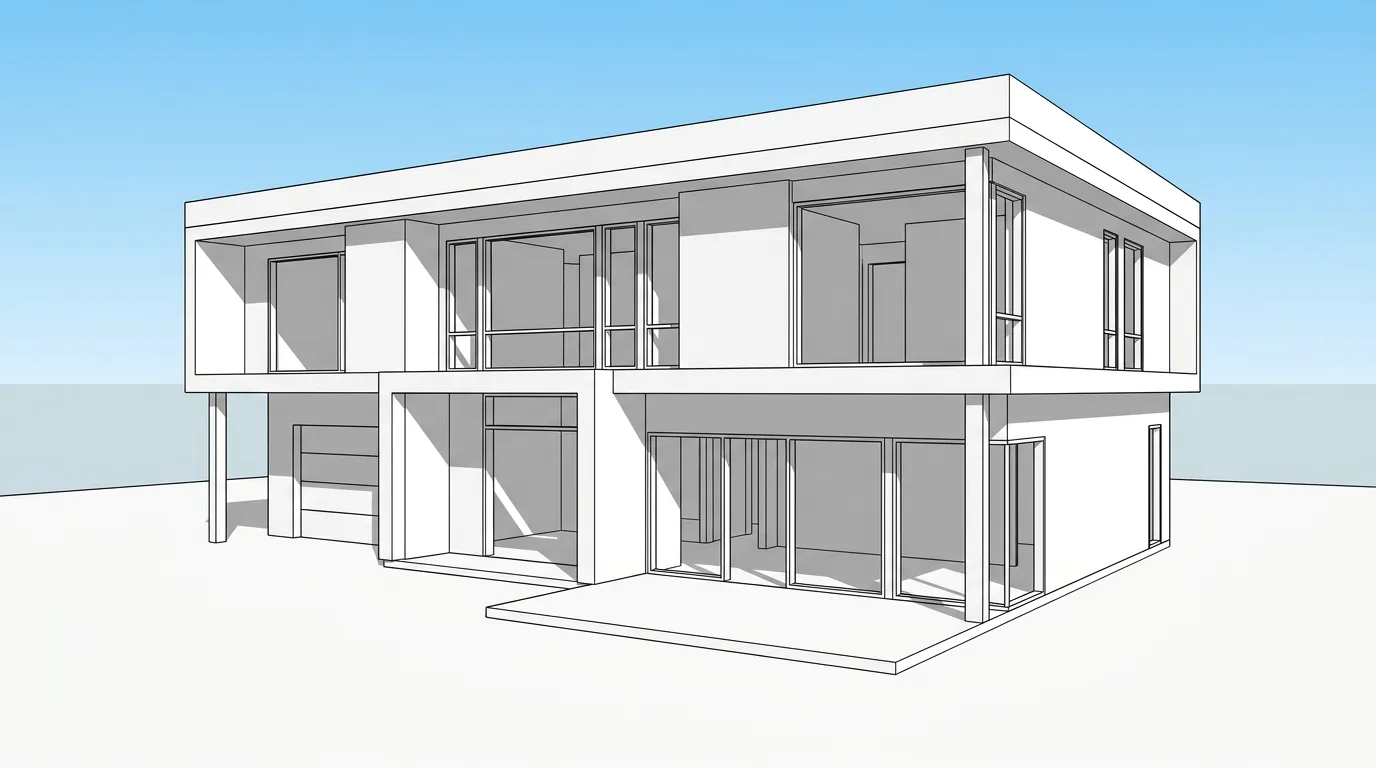
Upload a screenshot or exported view from SketchUp, Revit, Rhino or Archicad. Not the .skp, .rvt or .3dm file — there is no plugin to install.
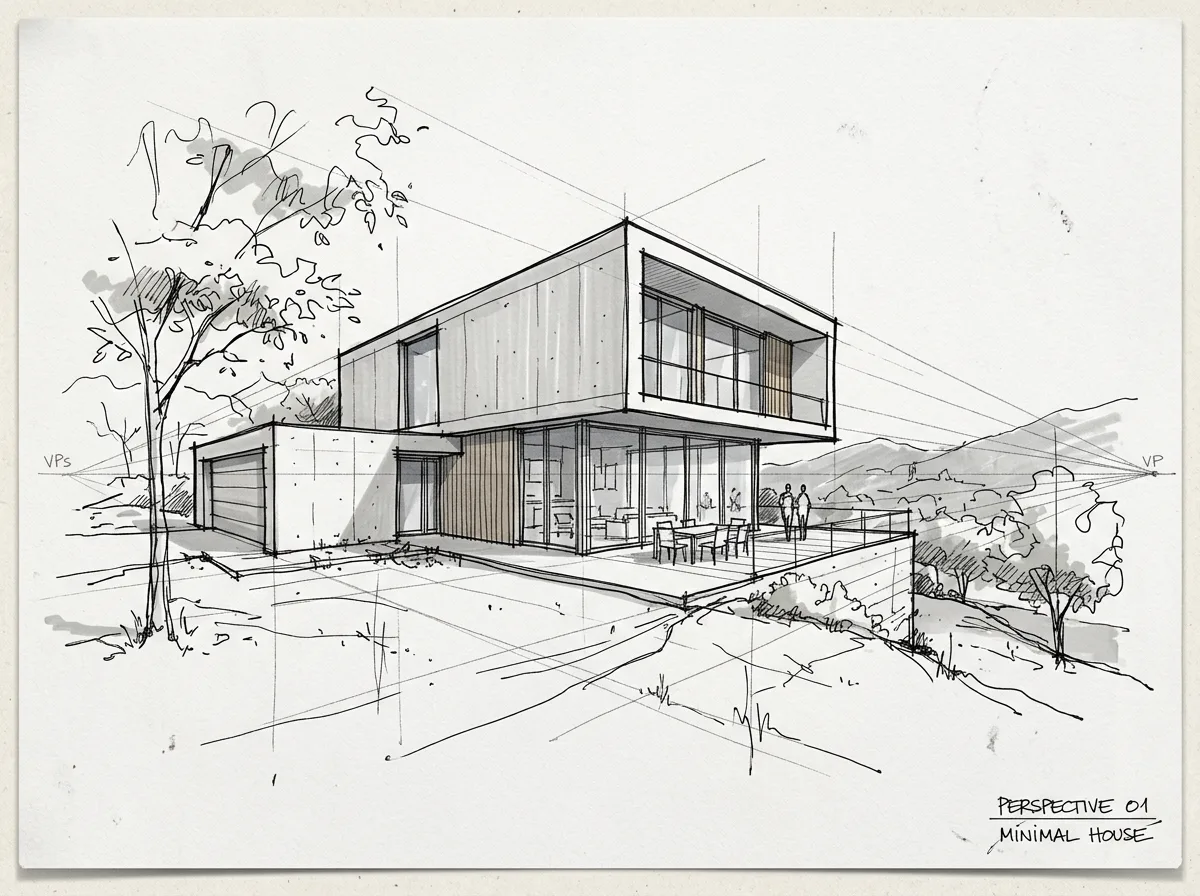
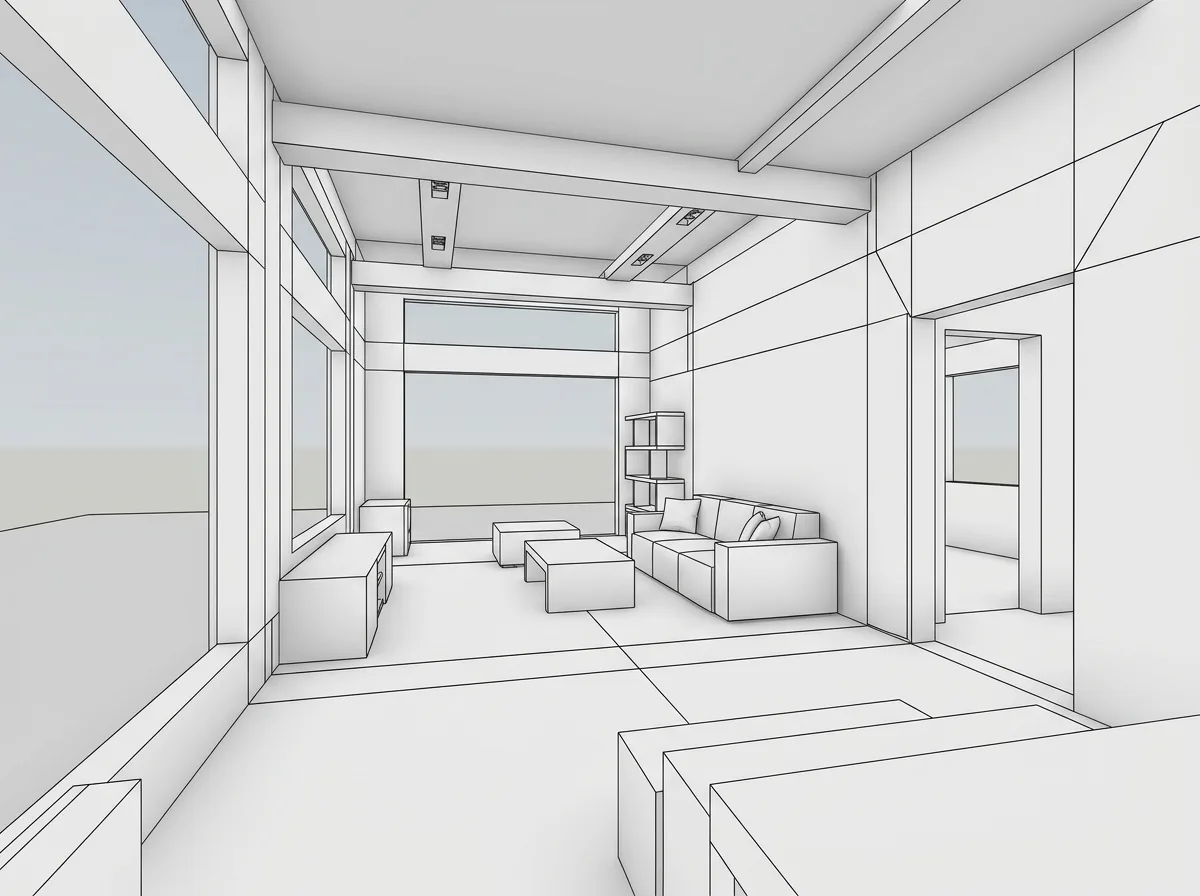
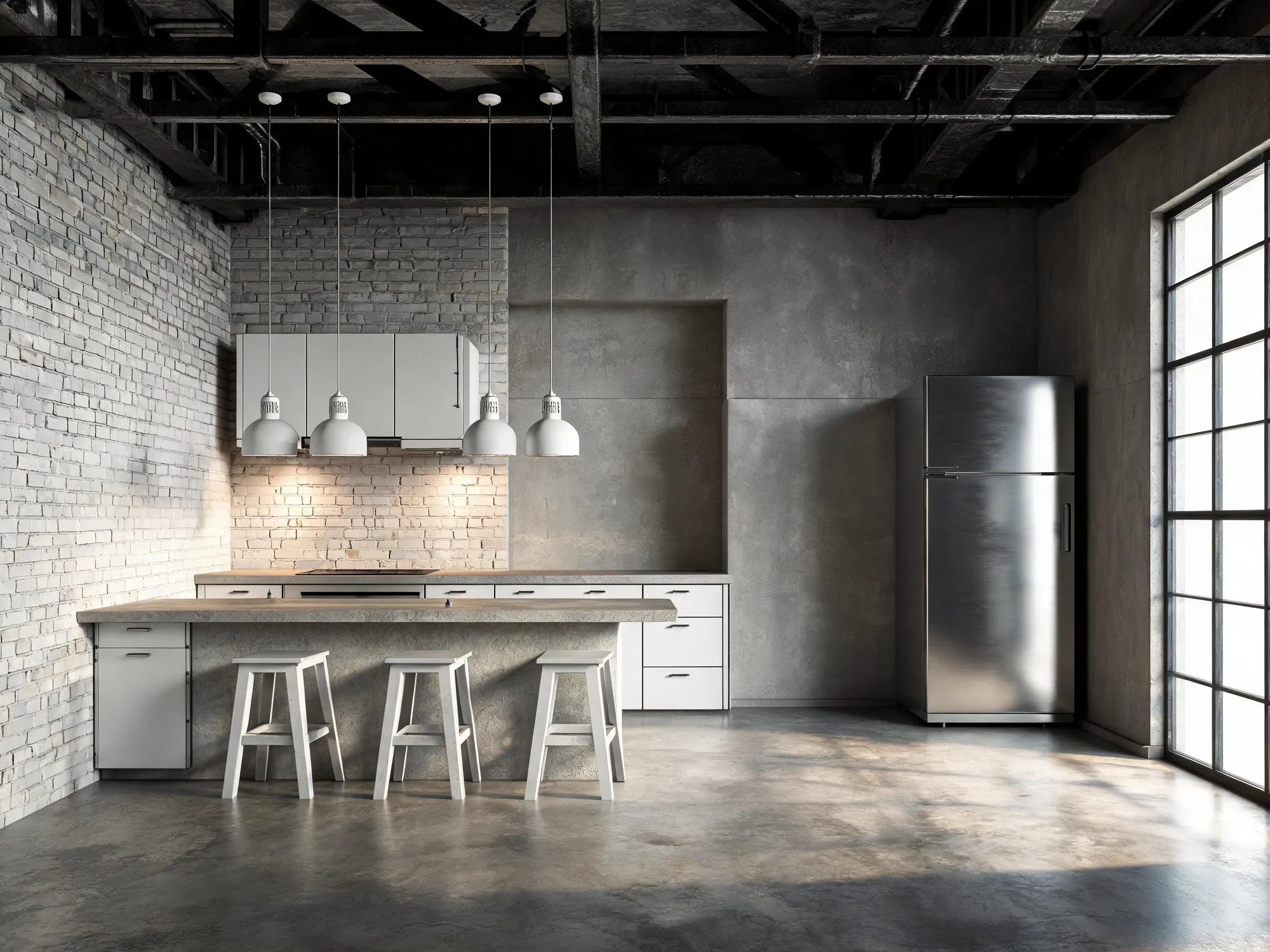
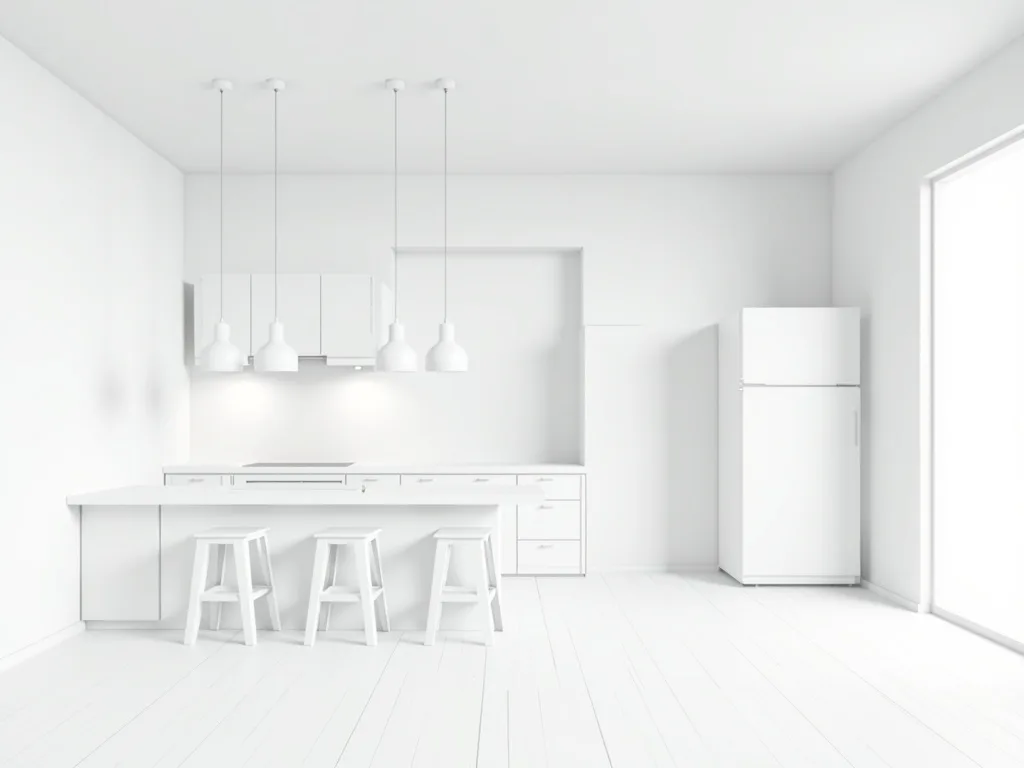
Or start from one of theseReal inputs, real renders · drag any seam
Drag any seam to check the geometry.
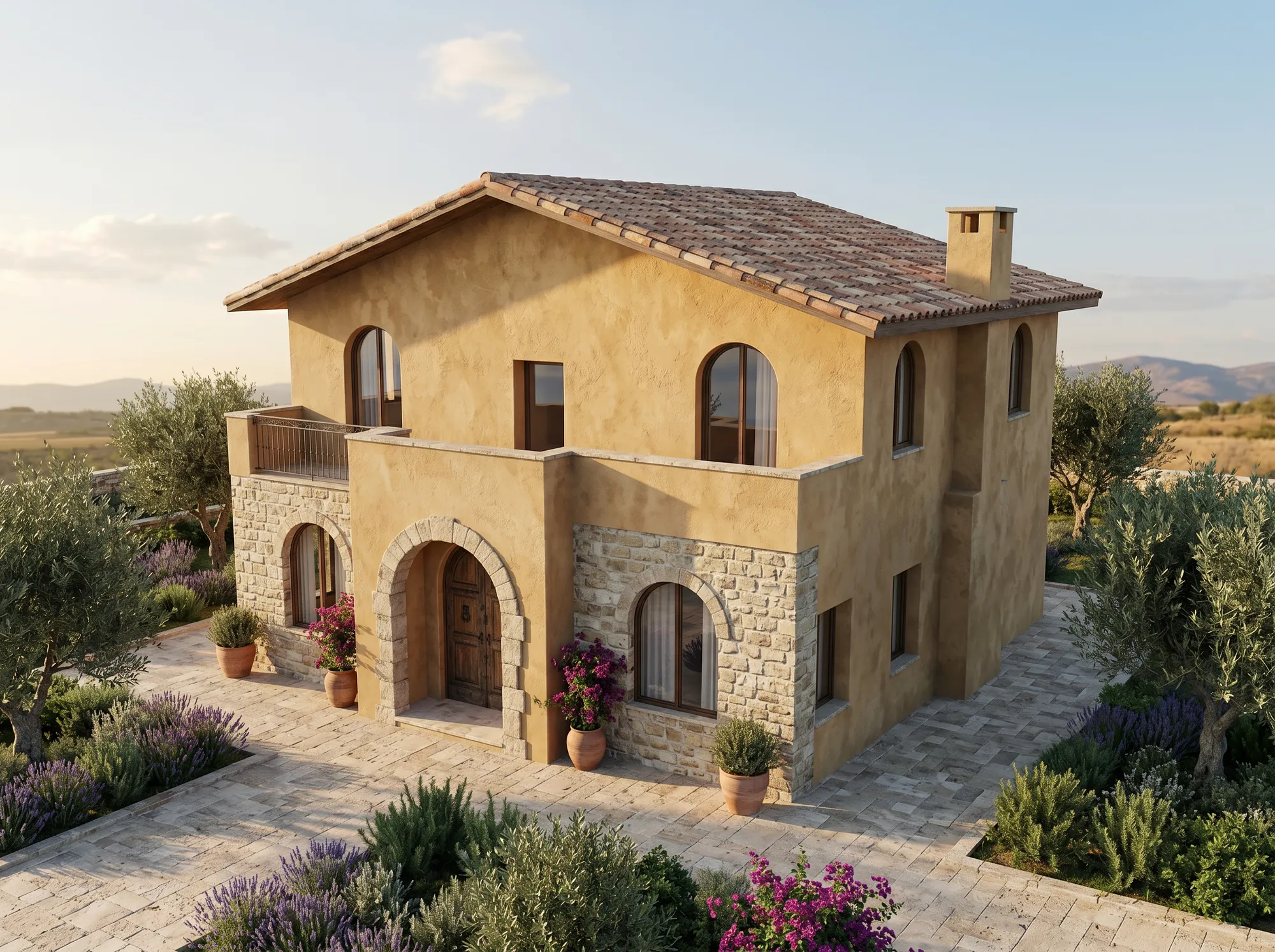
Model screenshotAirender
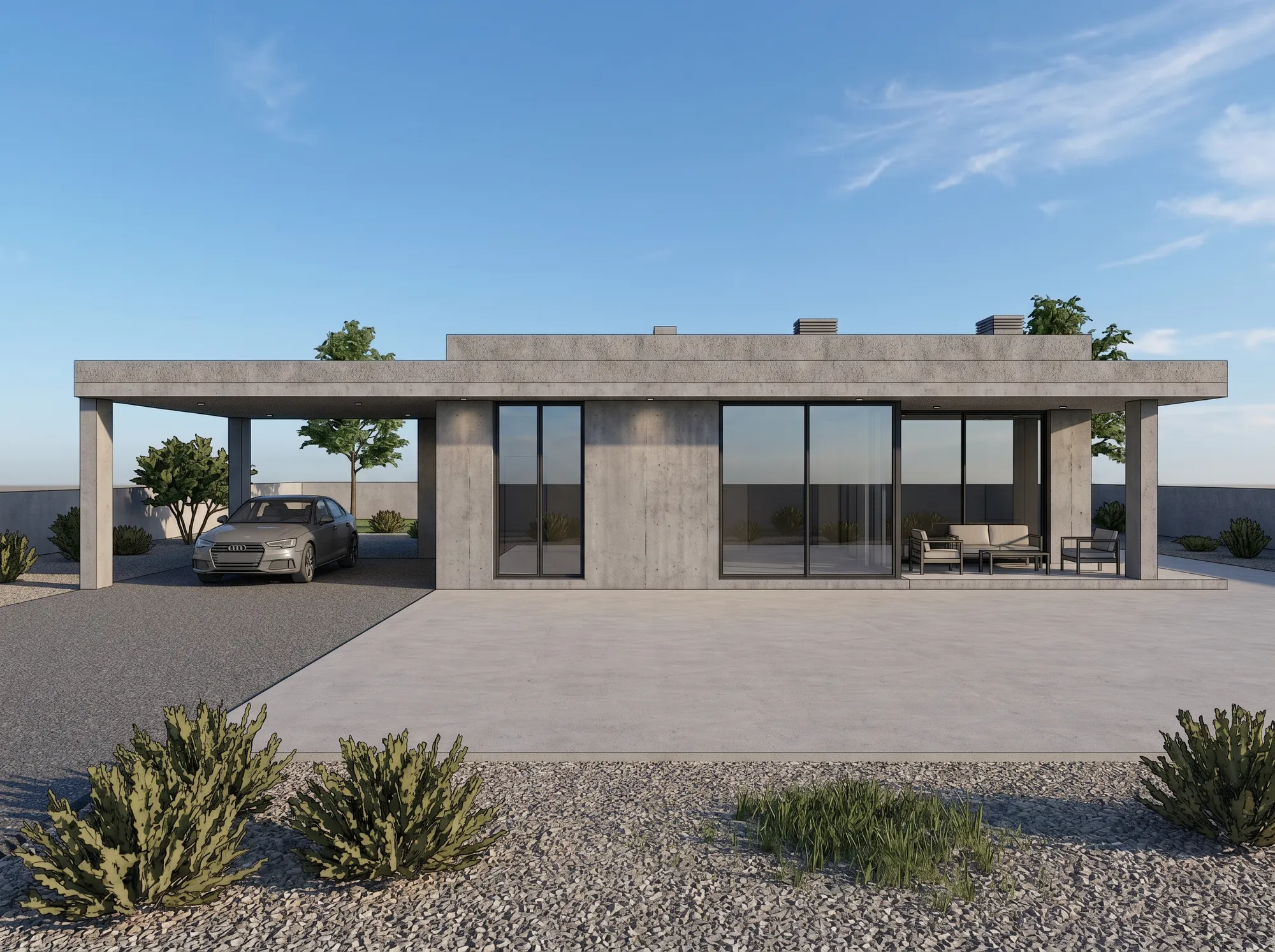
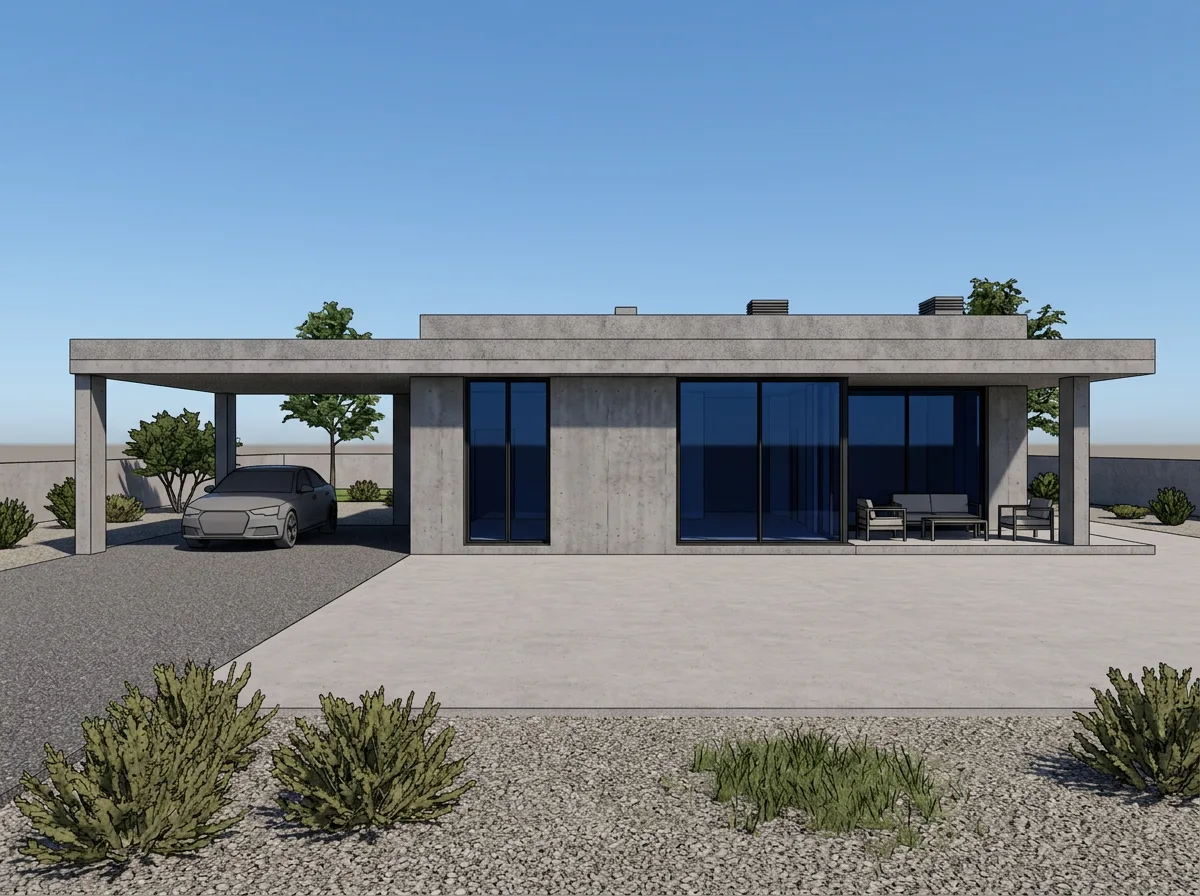
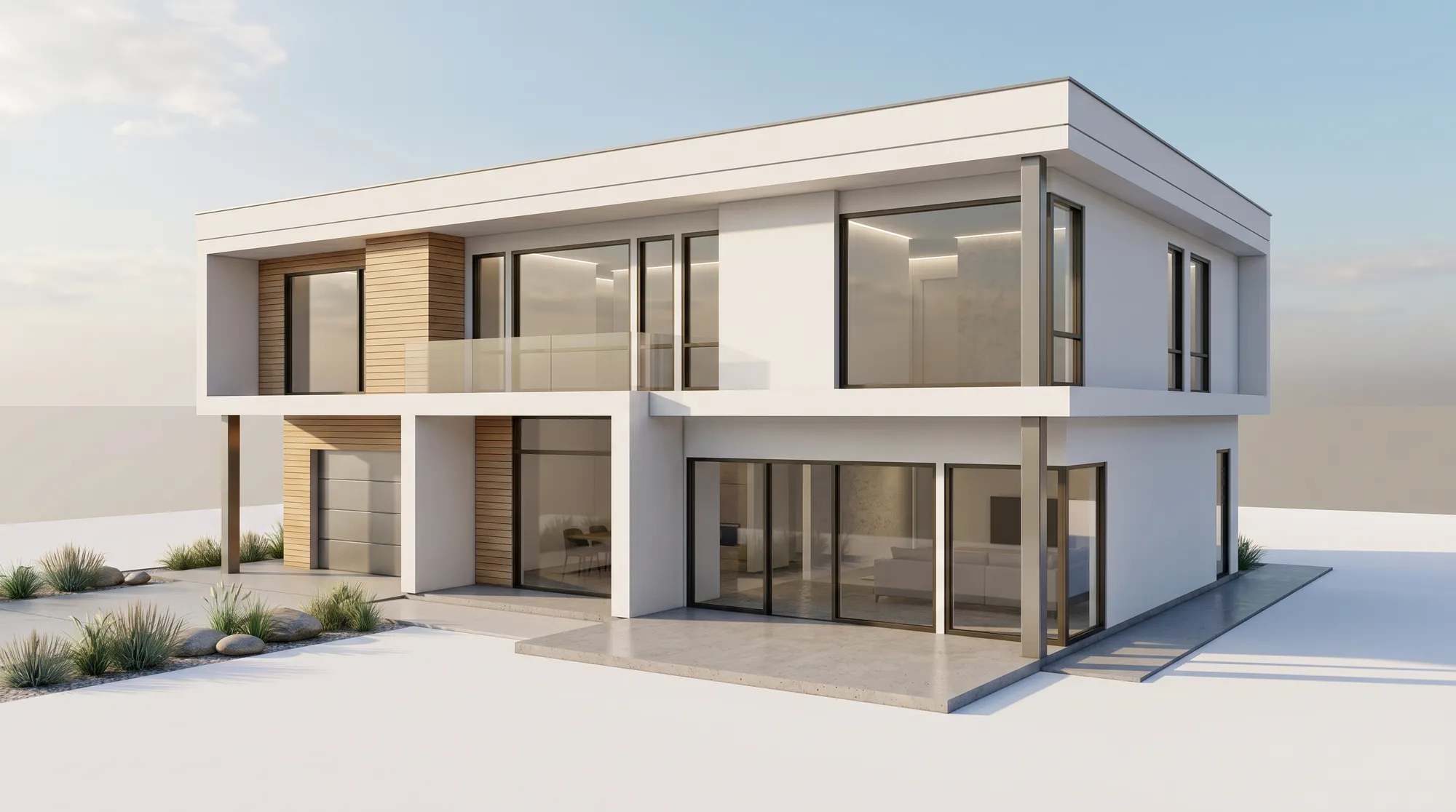
Draft renderAirender
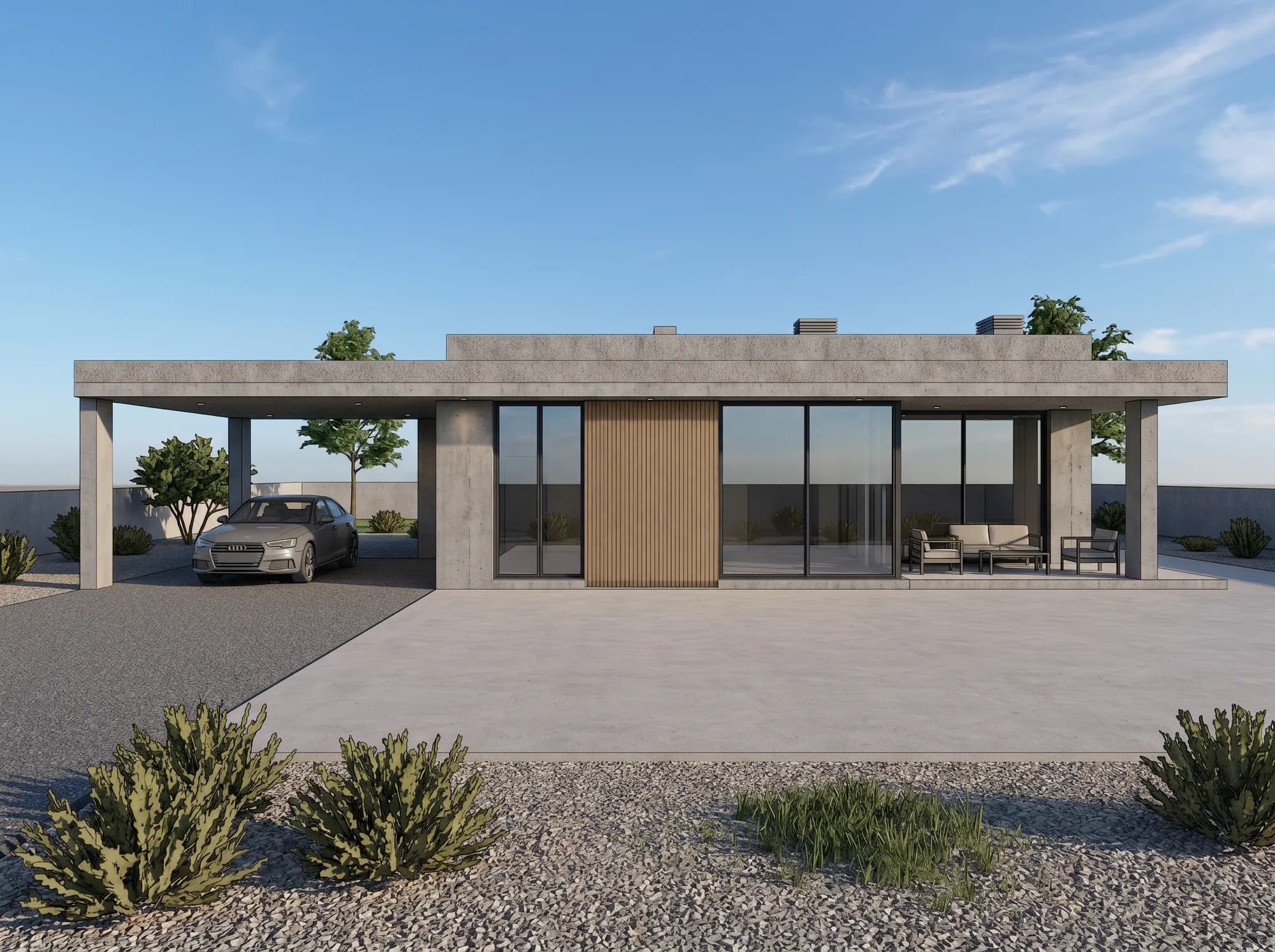
Hand sketchAirender
Designed to preserve your massing, openings and camera — always compare the result with your original.
Interiors too
The same screenshot workflow, inside the building.
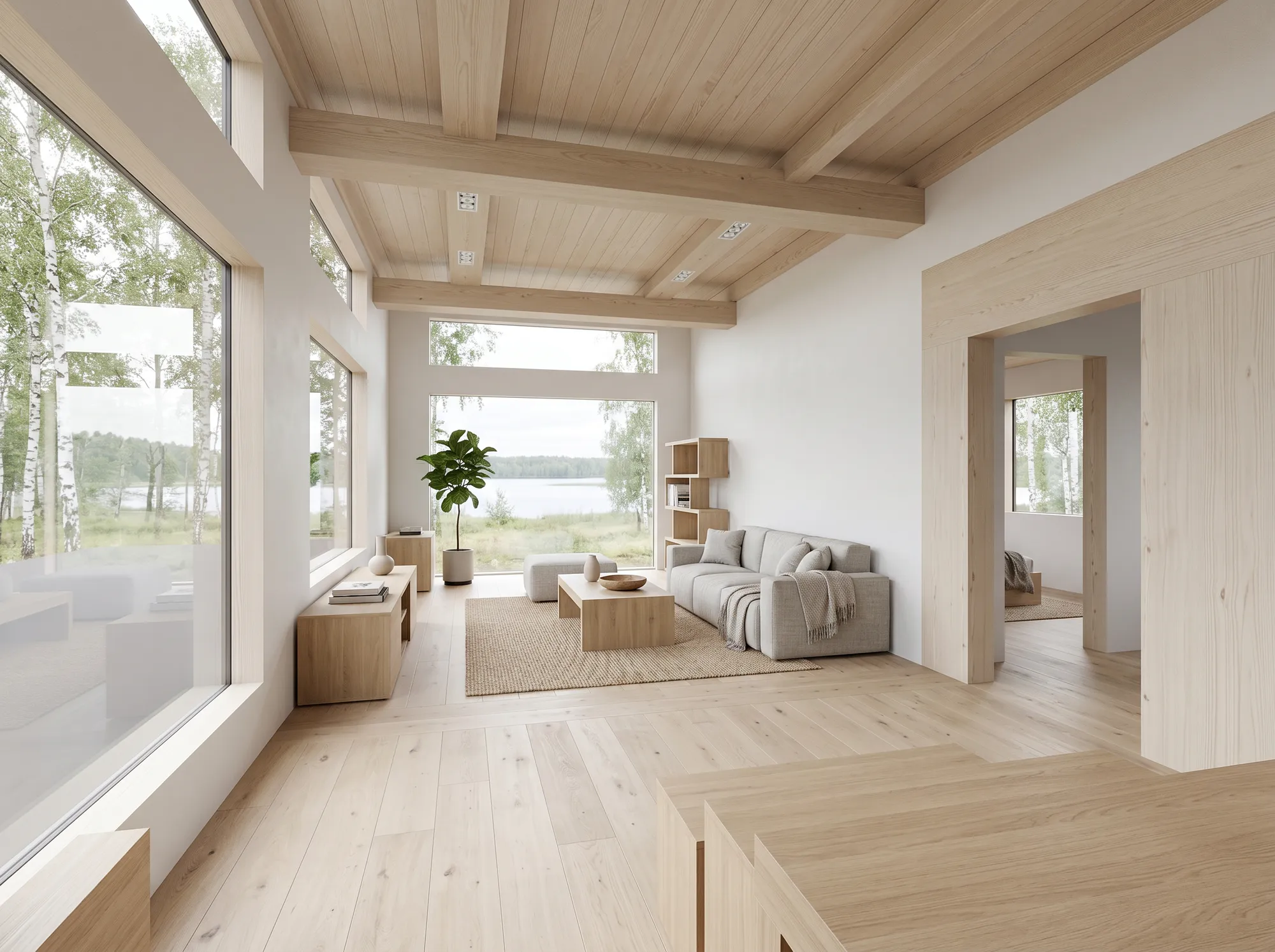
Interior views run through the same pipeline as facades, at the same fidelity settings: walls, openings and camera are what the render is asked to hold, while surfaces, furnishing and daylight change. Drag either seam and check them against the model view yourself.
Airender never reads a model file, so the list is not really a list of integrations — it is a list of things you can take a screenshot of. Vectorworks, Blender, Twinmotion, a PDF elevation or a photo of a pencil sketch all arrive the same way: as a JPG, PNG or WebP of the view.
Design fidelity
Decide up front how much licence the model gets.
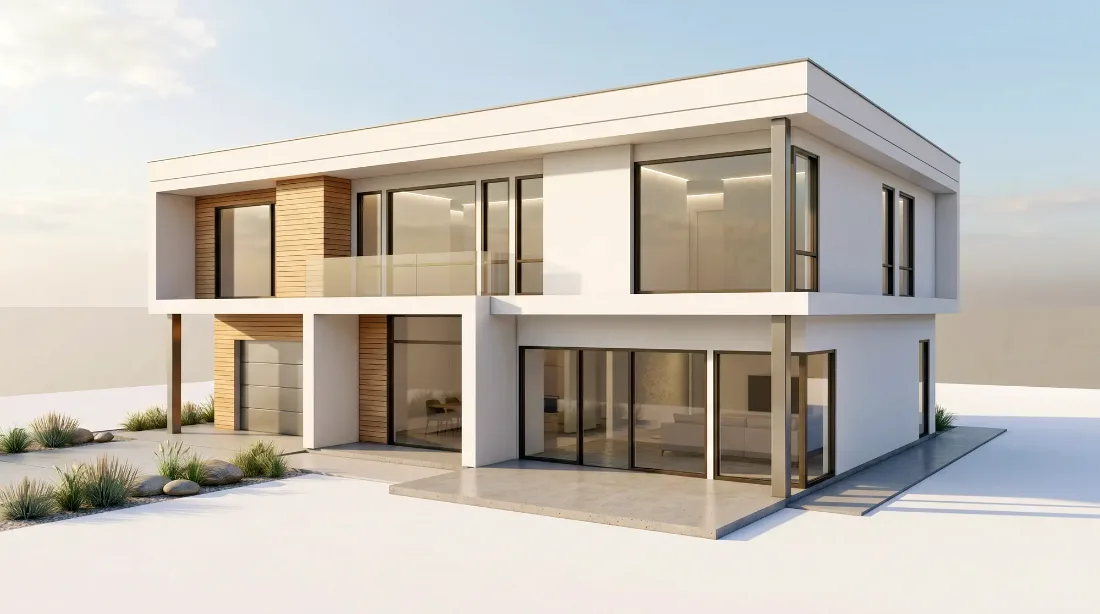
Every render runs at one of three fidelity settings, and the setting is what tells the model whether your massing, openings, roof lines and camera are allowed to move. Switch between them below and drag each result against the original.
Your modelBalanced
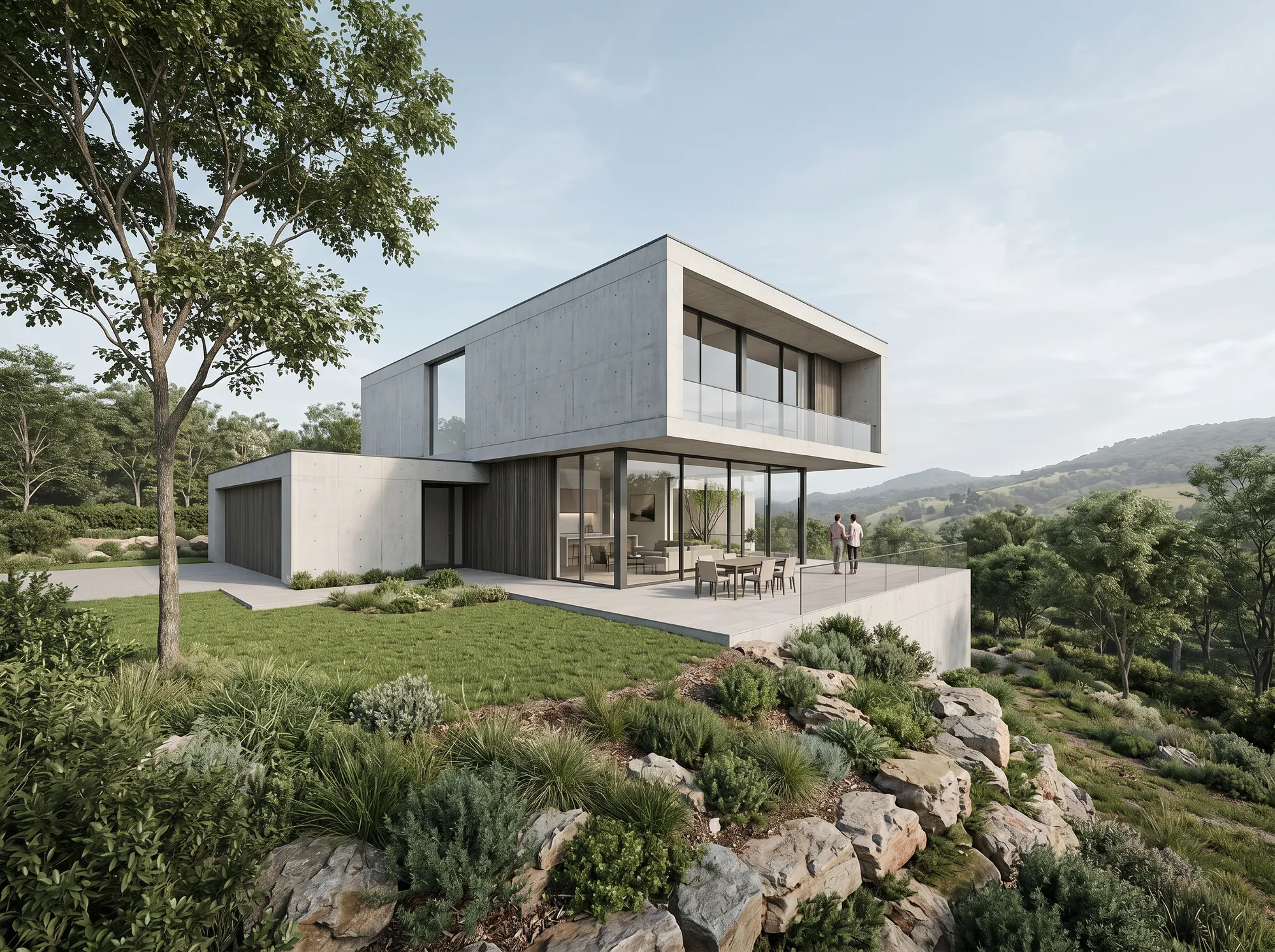
Balanced — asks for the same structure to be preserved while materials, lighting, context and realism are enhanced. The studio default.
Real output from the production pipeline — one example per setting, from the same source image. Generation is non-deterministic, so the same settings run again give a different image.
Balanced asks to keep
Massing and proportions
Window and door openings
Roof lines
Perspective and camera
And lets change
Materials and finishes
Lighting
Surrounding context
Photographic realism
In the studio this is one choice — Preserve design, which is Balanced above, or More creative, which is Creative. Faithful is the stricter setting and sits under Advanced, on the full Faithful → Creative slider.
Controlled revision · verified pair
When the client asks for one change, you change one thing.
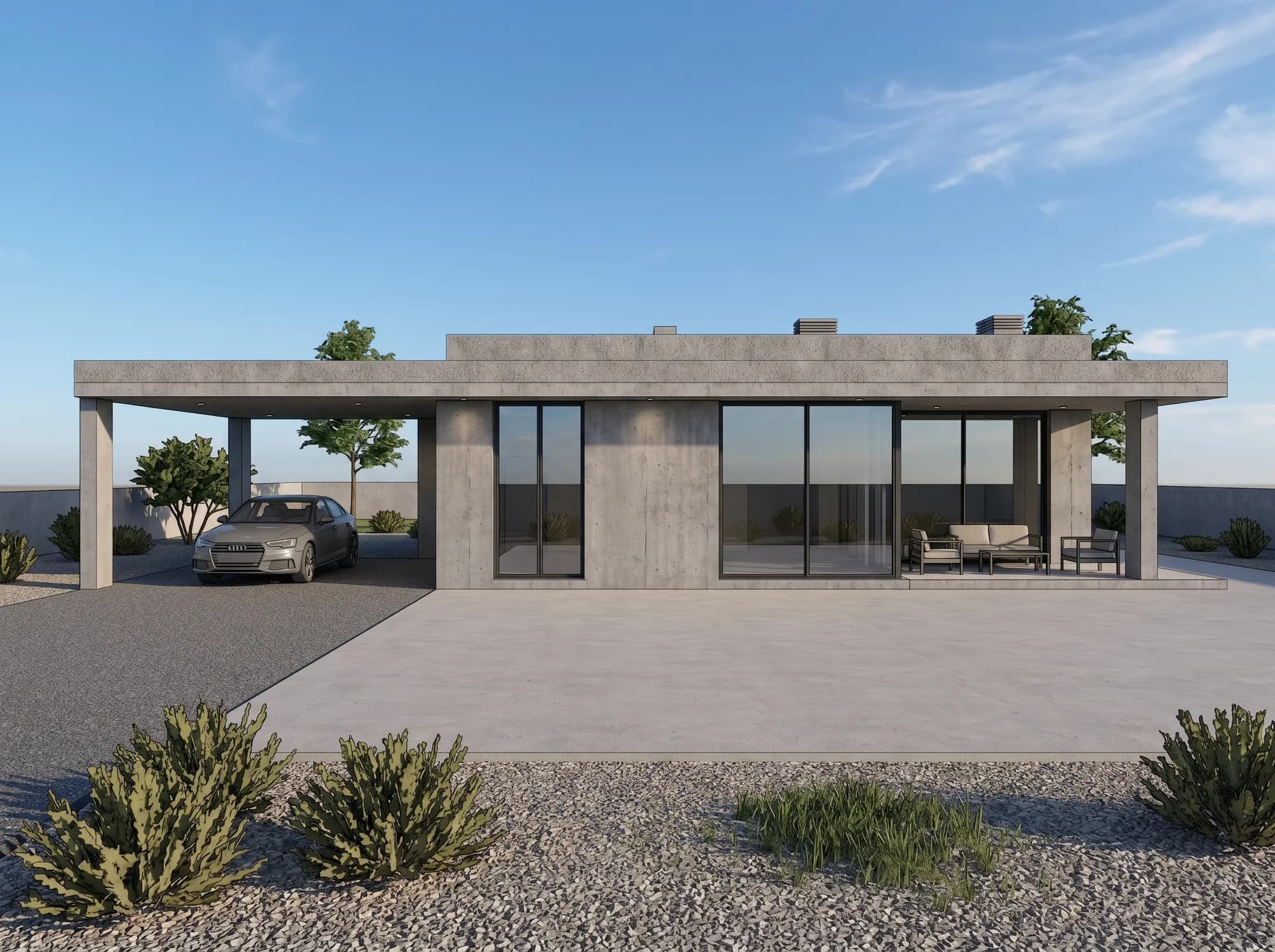
Everything outside your selection stays exactly as it was. For the most predictable result inside it, select a single surface — one wall, one panel, one roof plane — and keep windows, corners and structural edges out of the box. This selection sits on one concrete panel, edge to edge.
01Select one blank concrete panel and describe one change.
02“Change this concrete panel to vertical timber cladding.”
The same two files, enlarged. The window frames either side, the soffit reveal with its downlight above and the shadow line at the base all sit outside the selection — if the new panel had drifted, it would no longer line up with them.
Outside the selection: 0 / 2,924,260 pixels changed.Compared at full resolution, pixel by pixel
The workflow
Source, render, edit — kept together, never overwritten.
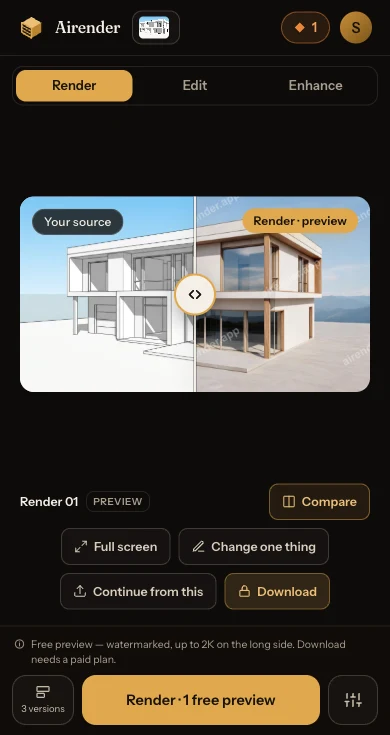
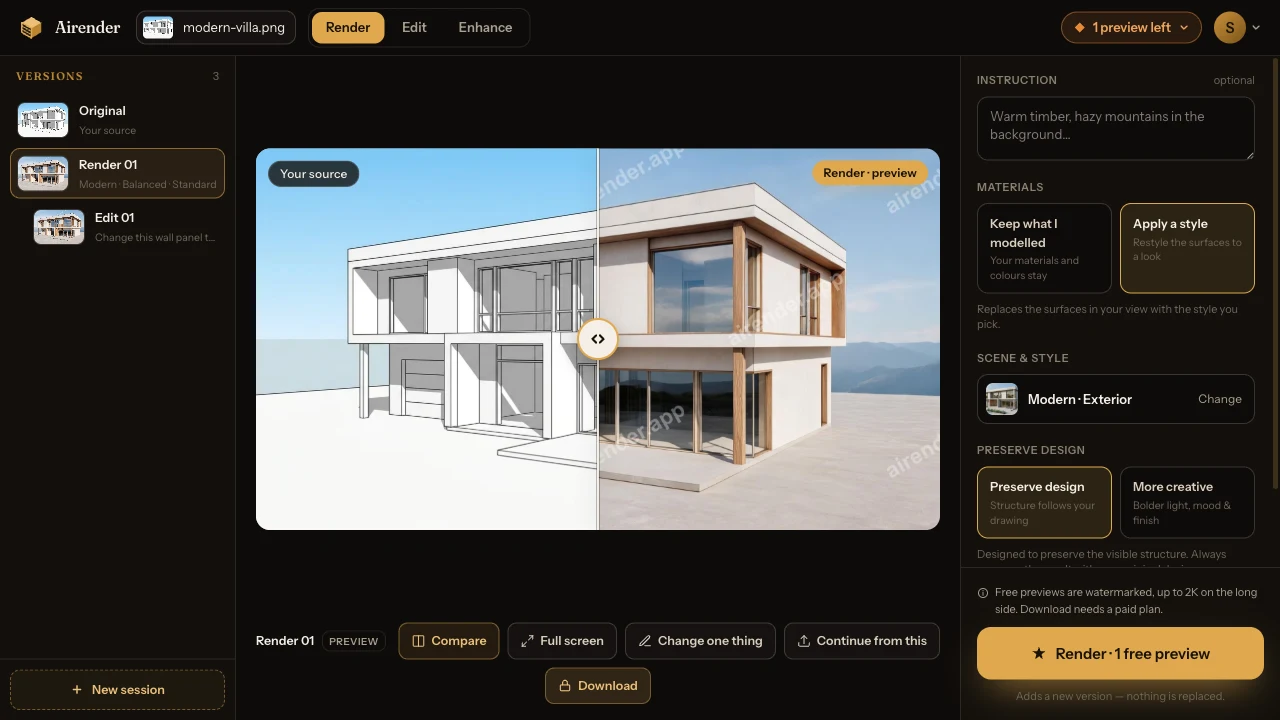
Everything made from one uploaded view lives in one session. Each run adds a version rather than replacing the last, so the image you showed the client on Tuesday is still there on Friday.
Versions
Canvas
Controls
One session on a free account: the view that was uploaded, the render made from it, and an edit made from that render.
Original
The view you uploaded
Kept as the top row of the session for as long as the session exists, so every result can be compared back to it.
Render 01
Made from the Original
Numbered in the order you made it and labelled with the settings behind it. Rendering again adds Render 02 — it does not replace this one.
Edit 01
Made from Render 01
Indented under the version it came from. Open either one and the canvas compares it with its parent.
A render takes about a minute and runs in the background, so you can keep working while it does. Any finished version can be the starting point for the next run, and — on a paid plan — downloaded on its own.
Where Airender fits
A fast still-image tool — not a replacement for your renderer.
What it is for
Still images from a view you have already modelled or drawn
Concept, option and proposal visuals in about a minute each
Revising a finished image one area at a time, without re-rendering the scene
Working in a browser, on any machine, with nothing installed
What it is not
Real-time walkthroughs, VR or animation
Enscape, D5 and Twinmotion give you a navigable scene and video. Airender produces still images, one view at a time.
An art-directed physically-based render
V-Ray and Corona let you place lights, assign real materials and tune a camera per shot. Airender takes instructions in words and a fidelity setting — you do not get a light rig.
A BIM or CAD integration
There is no plugin and no live model sync. Airender never opens .rvt, .skp, .3dm or .pln — you export or screenshot the view you want.
A 2D drawing tool
Perspective and elevation views are what the model is trained to work from. Flat top-down floor plans are not the focus yet.
A renderer in-house
Airender
To get started
Install the plugin, license it, learn it
Open a browser and upload a screenshot
Hardware
A workstation that can render locally
Any laptop — the rendering runs on our side
A client revision
Change the scene, re-render the whole image
Select the one area and describe the change
To get started
A renderer in-house: Install the plugin, license it, learn it
Airender: Open a browser and upload a screenshot
Hardware
A renderer in-house: A workstation that can render locally
Airender: Any laptop — the rendering runs on our side
A client revision
A renderer in-house: Change the scene, re-render the whole image
Airender: Select the one area and describe the change
What it costs, what you get
Know the price of a render before you run one.
Free — 3 previewsno credit card, granted the moment you sign in
Standard · 2K only — HD and Ultra need a paid plan
Output is watermarked, up to 2K on the long side
Big enough to judge geometry, openings and materials on your own project
Previews are for judging, not delivering — Download and commercial use both start with a paid plan
Paid outputGenerationsApprox. sizeWhat it is for
Standard · 2KGenerations: 1≈4.2 MP(2,752 px wide on a 16:9 view)Drafts & exploration
HD · 4KGenerations: 1≈9.5 MP(4,128 px wide on a 16:9 view)Proposals & presentations
Ultra · 5KGenerations: 1≈16.6 MP(5,472 px wide on a 16:9 view)Print & delivery
We publish a megapixel budget rather than one pixel width, because the dimensions of a render follow the view you upload rather than a fixed frame — the widths above are worked examples on a 16:9 view, not a guarantee for other shapes. Paid renders are watermark-free at every tier. A render, edit, or enhance uses 1 generation. Enhance runs at HD or Ultra only. Generations reset with your billing month and do not roll over — and if a run fails on our side, the generation goes straight back.
Starter
$24/month
$199/year · $16.58/month equivalent · save 31%
200 generations / month
Pro
$49/month
$429/year · $35.75/month equivalent · save 27%
500 generations / month
Studio
$99/month
$899/year · $74.92/month equivalent · save 24%
1,200 generations / month
At the annual Studio rate that is $0.06 per generation — watermark-free and cleared for client work.
Your drawings, prompts and renders are never used to train, fine-tune or improve any model.
You own both sides of it
You keep every right to what you upload, and paid plans add a worldwide commercial licence for proposals, bids and published work.
Deleted when you ask
Ask us to remove your uploads and renders — or close the account — and they are gone within 30 days.
One named rendering provider
Rendering happens at one named provider, fal.ai. Every vendor that touches your data — storage, hosting, payments — is listed by name in the privacy policy.
7-day money-back
Email us within 7 days of your first subscription payment and we refund it in full, no questions.
Cancel in a click
Cancel anytime and keep access to the end of the period you paid for. No lock-in, no call to make.
FAQ
What architects ask before they upload.
01Do I upload my Revit or SketchUp file?
No. You upload an image of the view: a screenshot or an exported JPG, PNG or WebP, up to 10MB. Airender does not open .rvt, .skp, .3dm or .pln files and there is no plugin to install, so it works the same whether you model in Revit, SketchUp, Rhino, Archicad, Vectorworks or Blender. Perspective and elevation views work; flat top-down plans are not the focus yet.
02Will it change my geometry?
That is exactly what the fidelity setting controls. Faithful and Balanced instruct the model to hold your massing, window and door openings, roof lines and camera angle while materials, lighting and context change; Creative allows more reinterpretation. Designed to preserve the visible structure. Always compare the result with your original design. The compare slider sits on the Studio canvas for that reason, and it is on by default.
03The client wants one thing changed. Do I re-render everything?
No. Select the area on the finished render, describe the one change, and Airender repaints only inside your selection — every pixel outside it is restored from the render it came from. The result arrives as a new version under the original, which stays exactly as it was.
04Does this replace Enscape, D5 or V-Ray?
Not for what those are best at. Enscape and D5 give you a navigable real-time scene and animation; V-Ray and Corona give you shot-by-shot art direction with real lights and materials. Airender does one thing they are slow at: turning a view you already have into a presentable still image in about a minute, and revising it in place. Most people who pay for it keep their renderer for the hero shots.
05What do I get for free, and what does a paid render cost?
3 previews after you sign in, no card. They are watermarked, up to 2K on the long side, Standard quality only, and they carry no commercial rights — enough to judge geometry, openings, materials and any drift on your own project. They stay in the Studio, though — Download is part of a paid plan. Paid plans render Standard, HD and Ultra watermark-free. A render, edit, or enhance uses 1 generation. Annual pricing works out from $0.06 per generation on Studio. See full pricing →
06What happens if a render fails?
The generation goes back automatically. A run that fails on our side is marked failed and refunded in the same database transaction, so a failure can never leave you short — and the Studio tells you it was refunded rather than leaving you to check.
07Can I use the renders in client work?
Yes, on a paid plan. Every paid plan includes a worldwide commercial licence to use your renders in proposals, presentations, competition boards and published work, and you keep every right to what you uploaded. Read the terms →
08Is my project data safe?
We do not use your uploads, prompts or outputs to train, fine-tune or improve models — ever. To produce a render your image is sent to our rendering provider, fal.ai; the privacy policy names every sub-processor. Uploads are encrypted in transit and at rest, and we delete your uploads and renders within 30 days of your request or account closure. Read the privacy policy →
Take a screenshot of the view on your screen right now.
Render it, drag the seam against your own drawing, and decide from that.