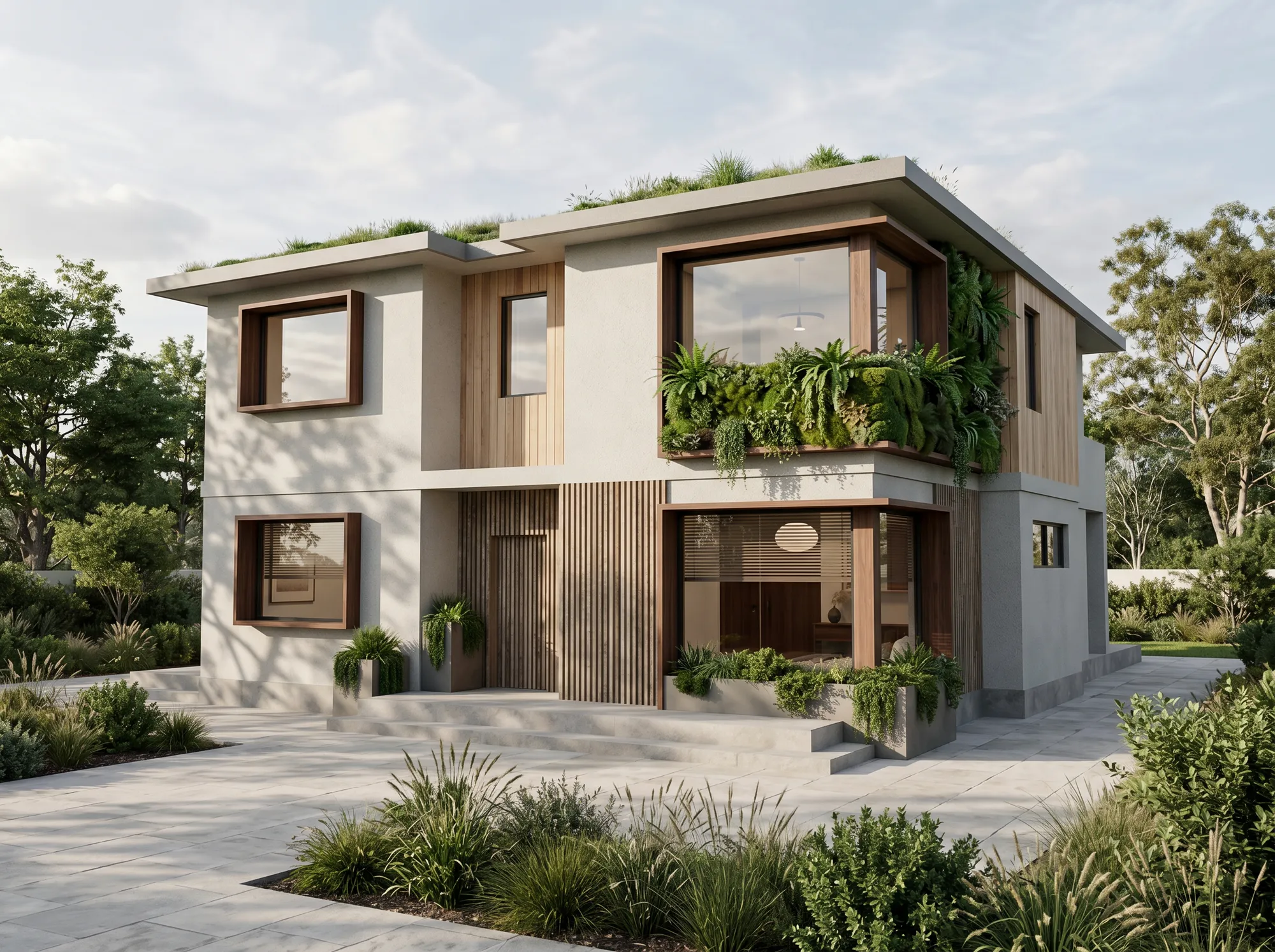
Short answer: for most of what architects actually show clients — concepts, design options, competition boards, early buy-in — yes, and it has been for a while. For a fully art-directed marketing hero shot, not yet. But "is AI rendering good enough" is the wrong question. The one that actually keeps you up the night before a presentation is narrower and sharper: is this render — the one going in this deck, in front of this client — safe to send? Here is an honest attempt to answer that, with real before/afters, the failure modes most articles skip, and a checklist you can run on your own image in about a minute.
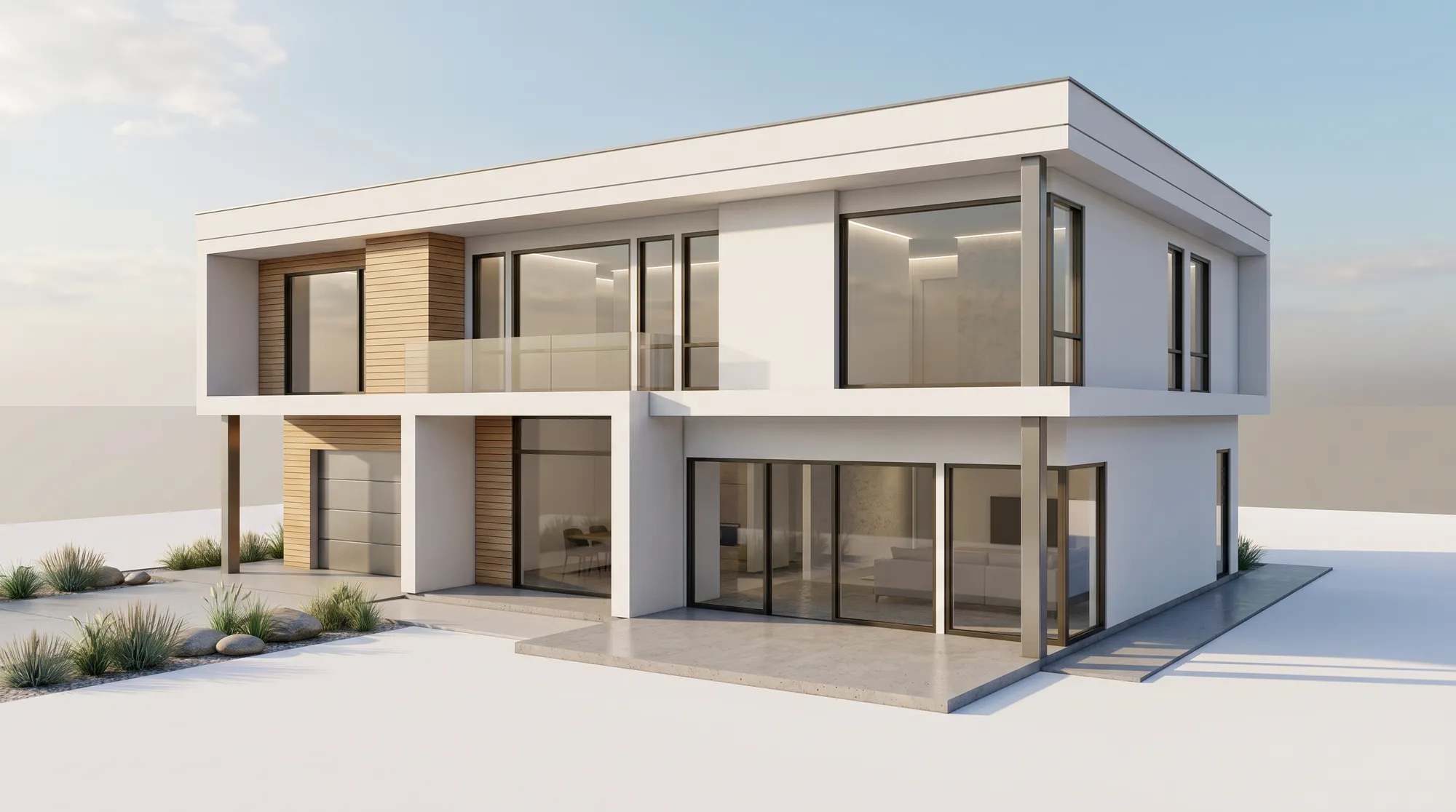
Photorealism is solved. That is not the question anymore.
A few years ago the honest answer was "it looks fake." Today the whole field — traditional render studios included — agrees that photorealism is largely a solved problem. A decent AI render looks convincing.
Which means the real risk has flipped. It is not that the image looks fake. It is the opposite: an AI render can look completely convincing while quietly getting your building wrong — an extra floor, a window that migrated, a material the client will now hold you to. A believable image that misrepresents the design is worse than an obviously rough one, because it sets an expectation you then have to honor or walk back.
So "good enough for clients" was never a question about prettiness. It is a question about faithfulness and about trust. The rest of this article is about how to judge both.
See it first: real models, real renders
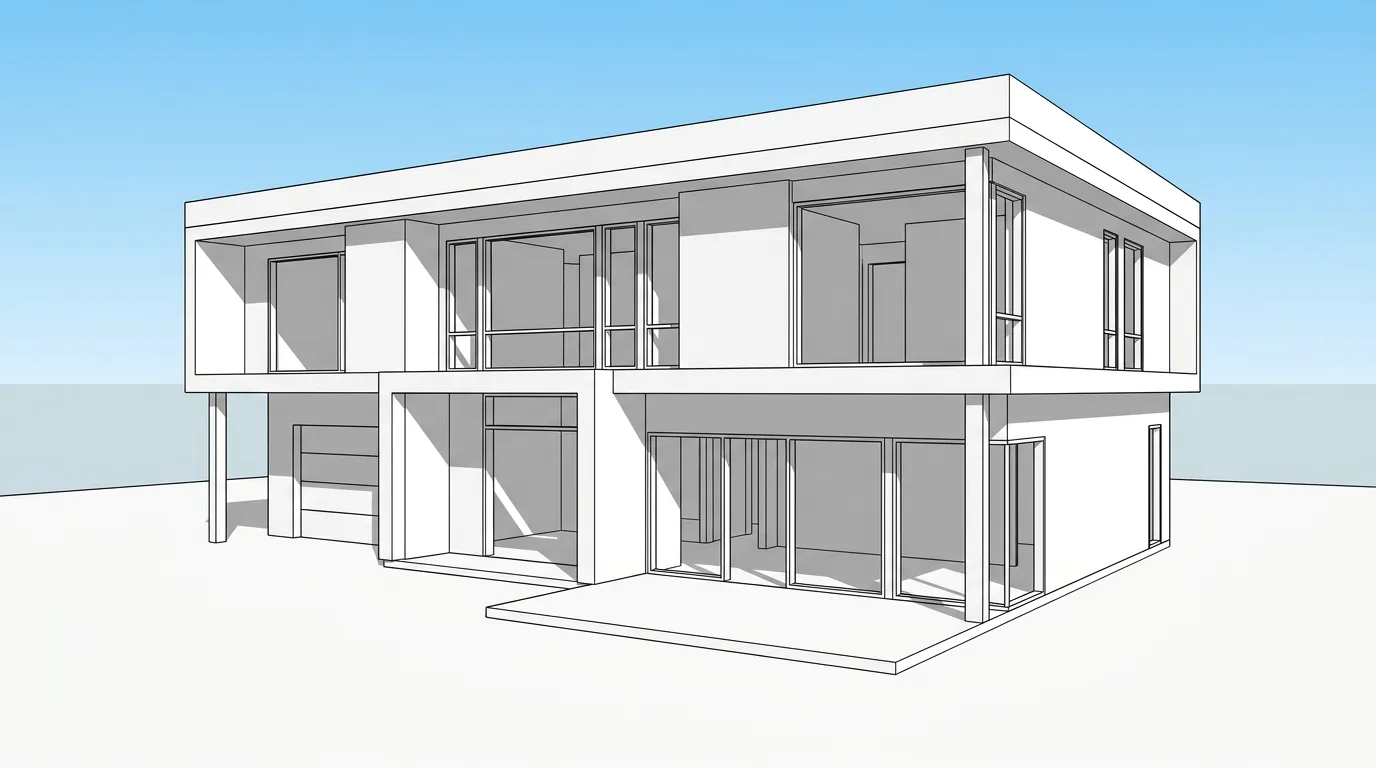
Adjectives are cheap in this topic — every tool's landing page says "photorealistic." Judge from inputs and outputs instead. Each of these starts from an ordinary model screenshot or a hand sketch. Drag each slider: the massing, openings and camera stay put; the AI only adds light, materials and context.
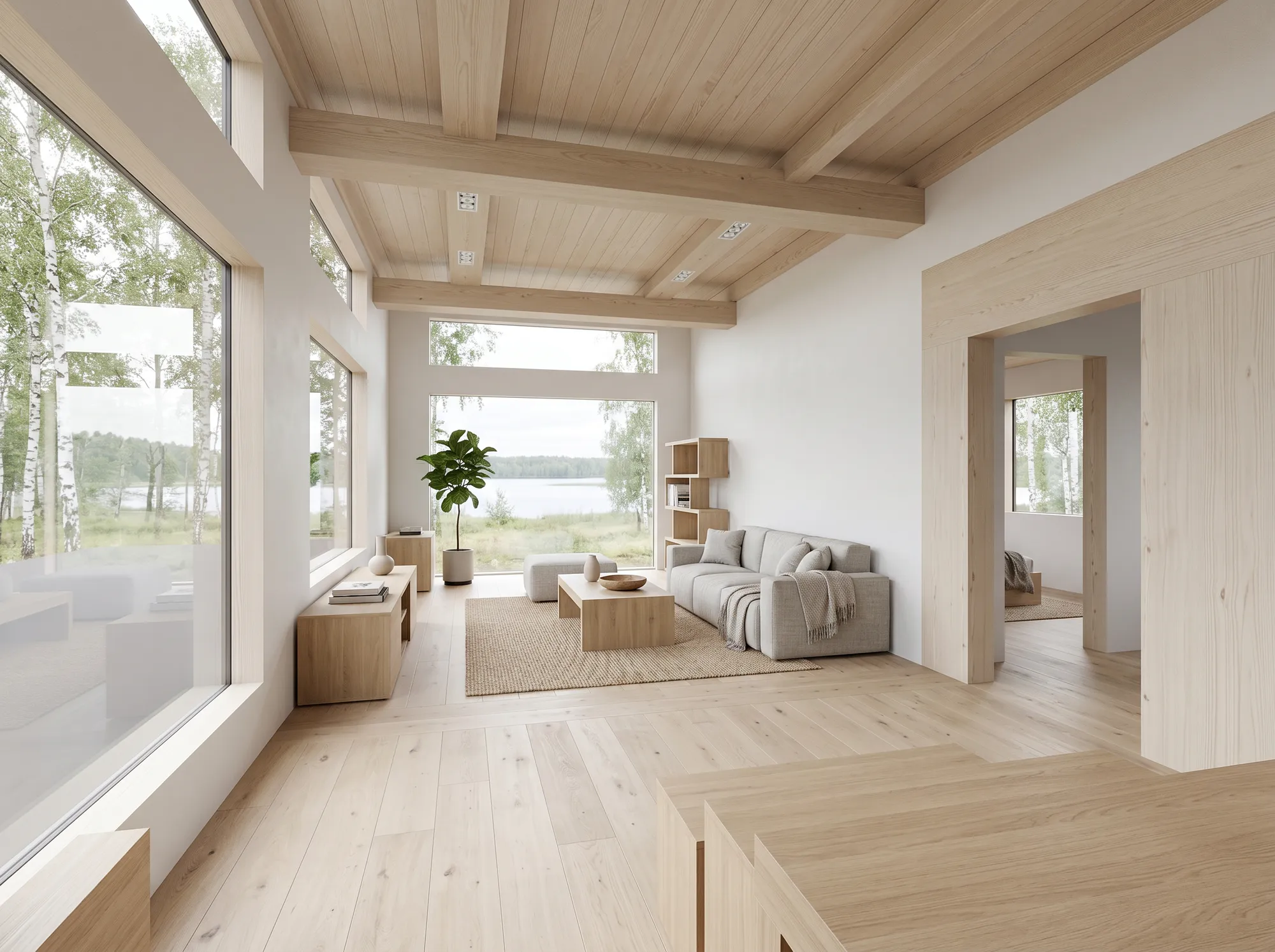
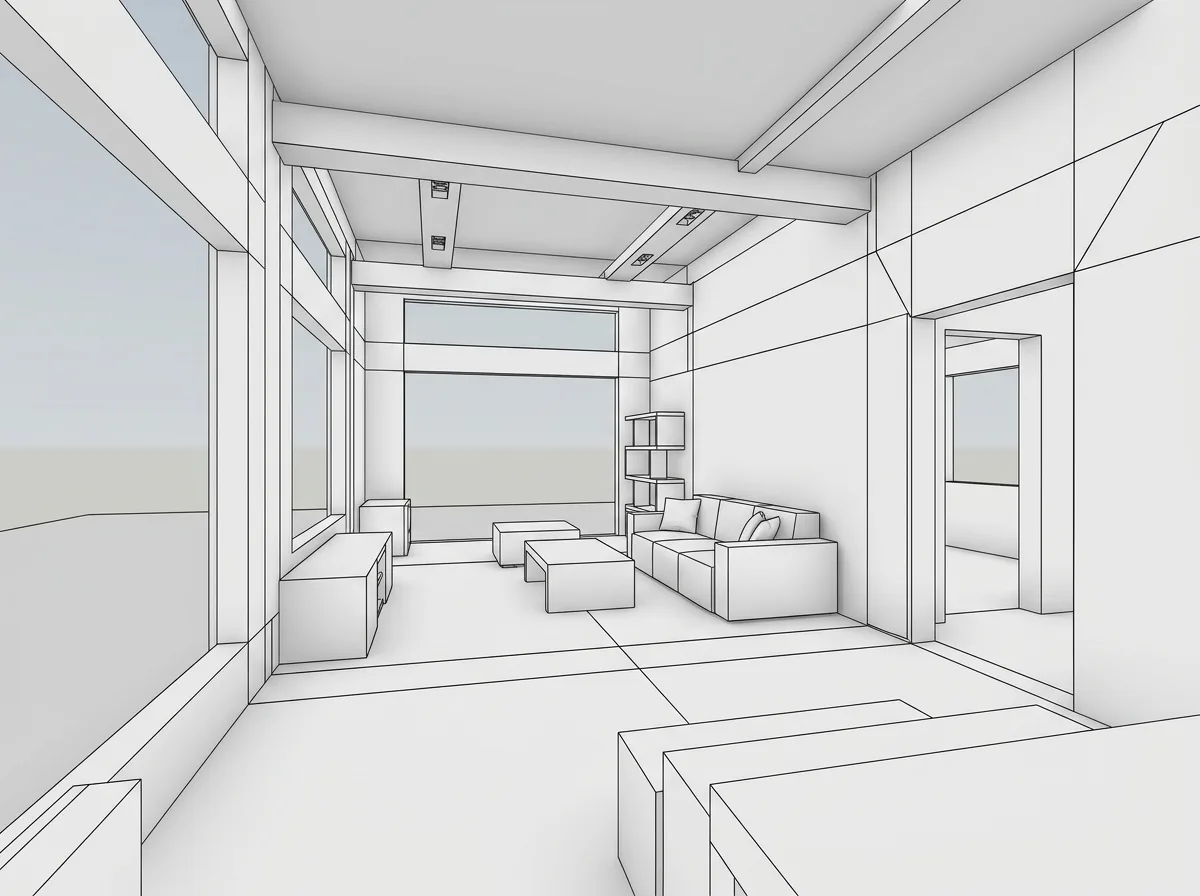

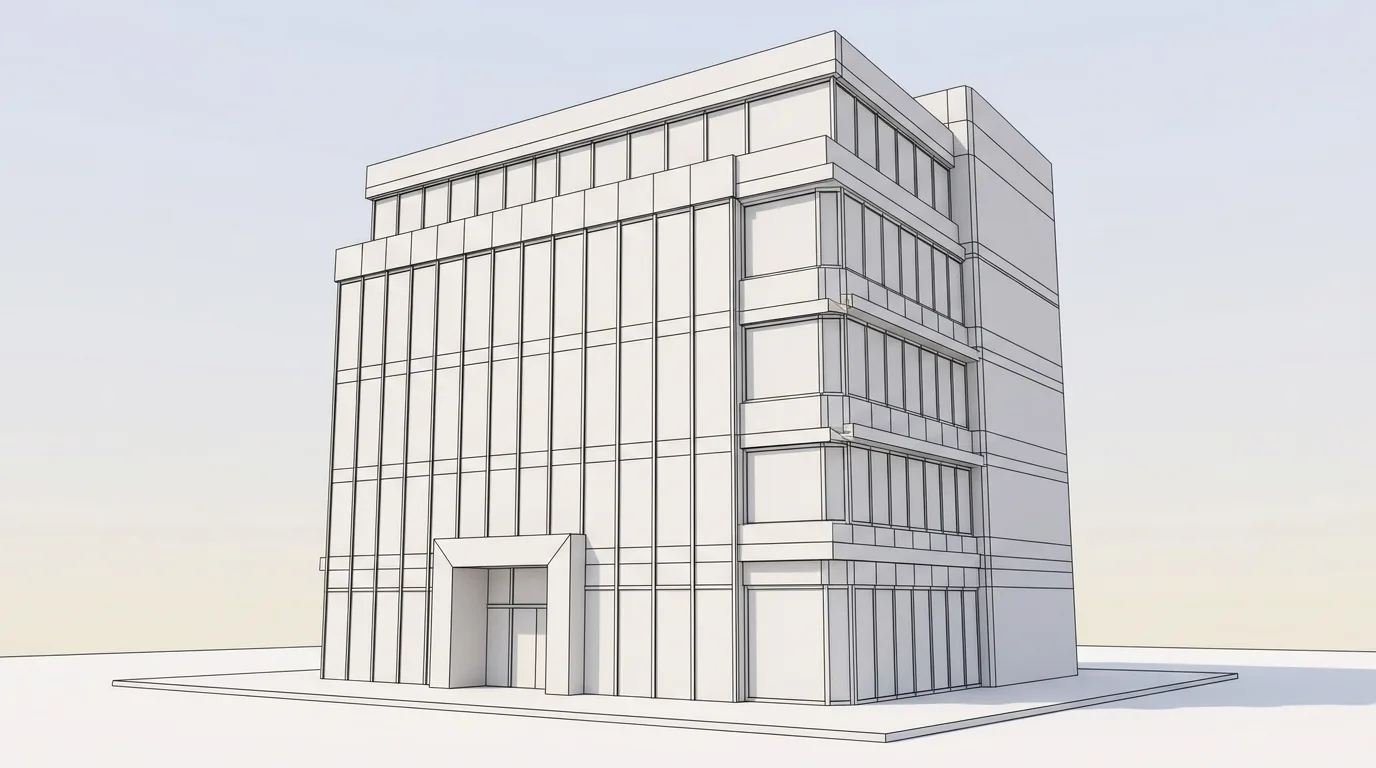
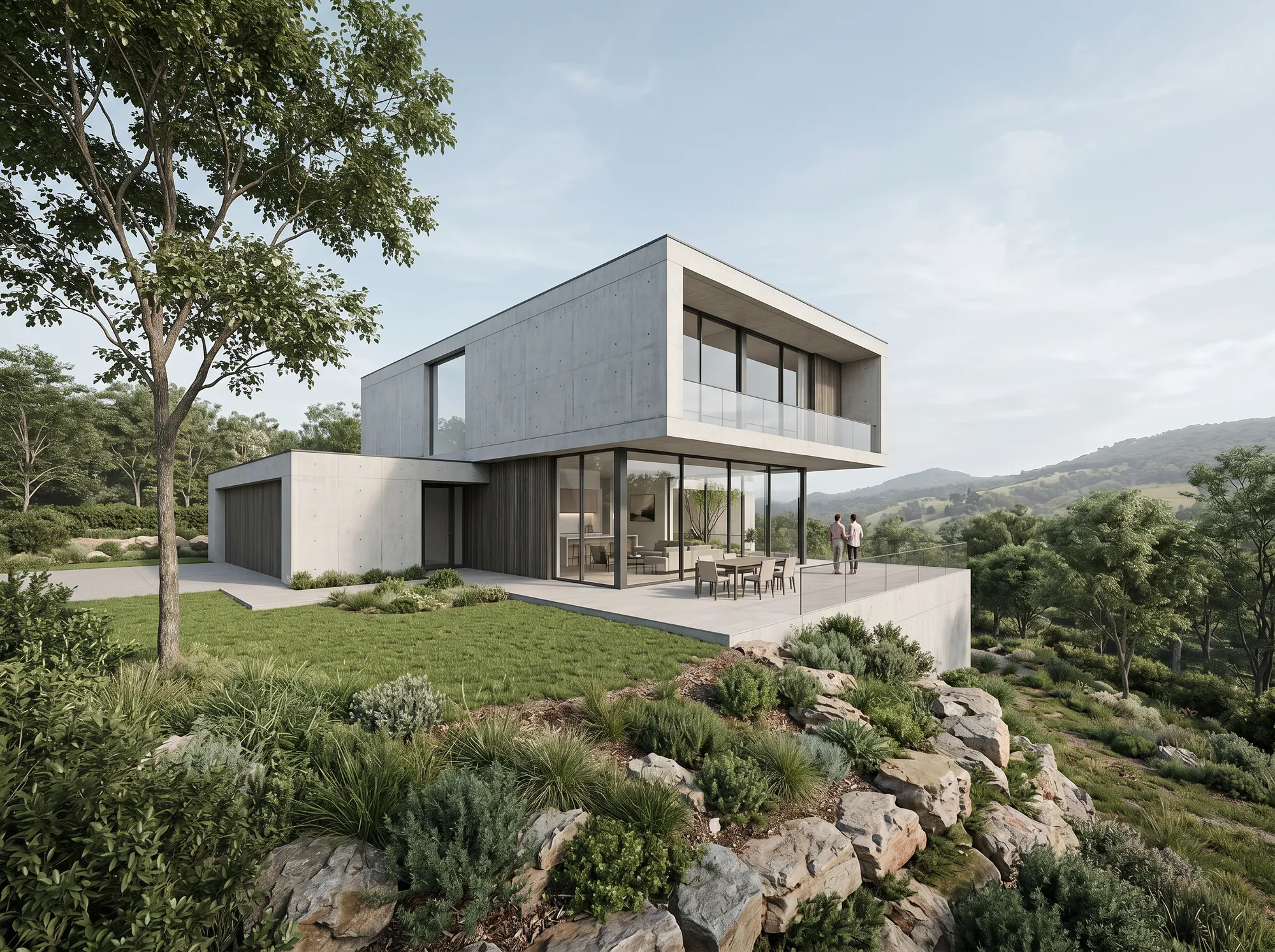
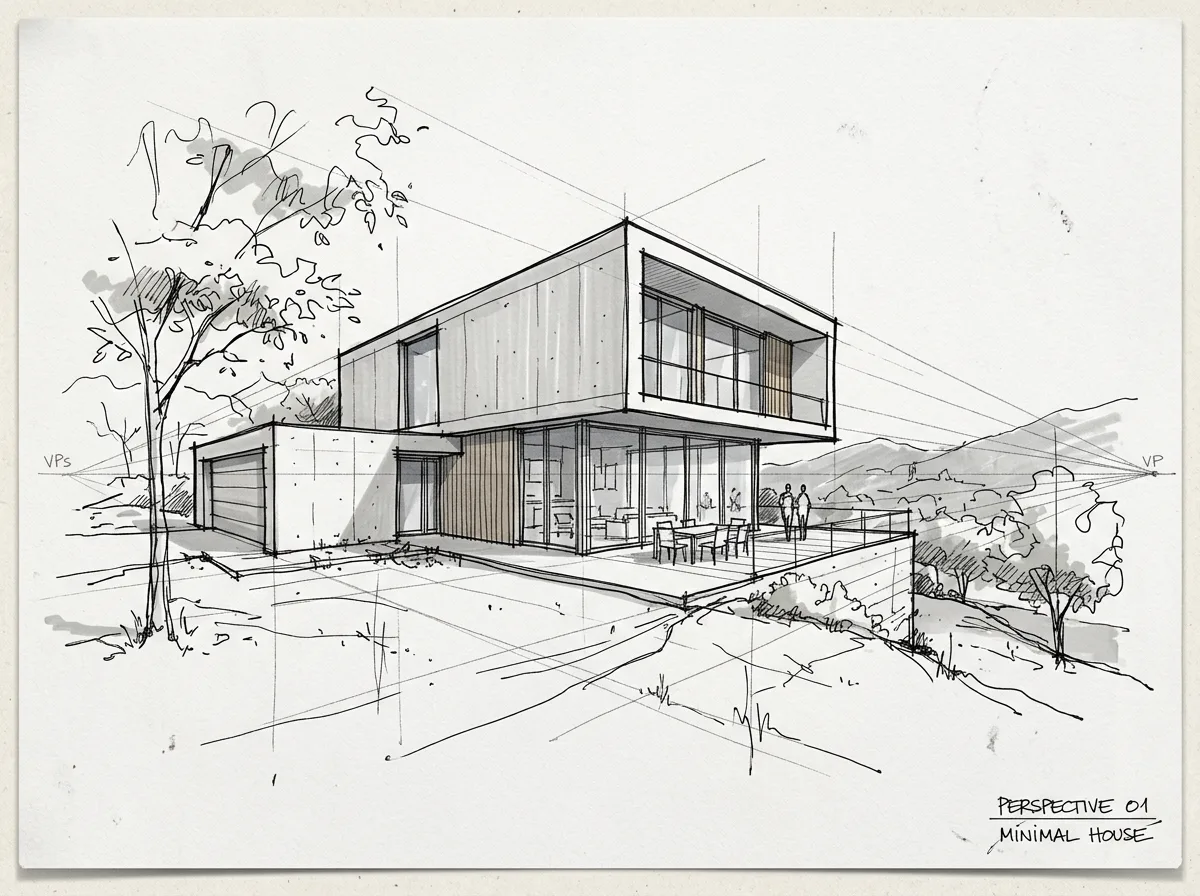
See more across building types in the before/after gallery.
Where AI rendering is already safe to send
For the work that fills most of an architect's week, it clears the bar:
The common thread: these are moments where speed and clarity matter more than spec-level accuracy. That is exactly the zone AI rendering owns.
Where it still breaks — and how to catch it
Here is the part most tool blogs leave out. AI rendering has real failure modes, and knowing them is exactly what lets you use it safely rather than getting burned.
The pattern underneath all four: AI is trustworthy for how the space reads, not for what exactly gets built. Use it on the first, never lean on it for the second.
The safe-to-send checklist: is this render ready?
No article can judge your specific image for you. So run it against six checks before it goes in the deck. It takes about a minute, and it is the difference between a render that builds trust and one that quietly costs it.
Clear all six and it is safe to send. Fail one and you either fix it or frame it — which brings up the part almost nobody writes about.
How clients react — and whether to tell them it is AI
Clients do not grade renders the way architects do. A non-technical client is not hunting for a warped mullion; they are trying to picture the space and decide whether they like it. A believable render helps them do exactly that, which is most of its value. Two habits keep it honest:
AI rendering vs V-Ray, Enscape, and outsourcing
"Good enough" is always relative to the alternative. Here is the honest layout — including outsourcing, which most comparisons quietly skip, even though it is where the cost gap is largest.
The point is not that AI wins — it is that these solve different problems. If you already run V-Ray for hero shots or Enscape for walkthroughs, AI rendering does not replace them; it replaces the two days you used to lose making concept images by hand. Match the tool to the moment. See how AI architectural rendering works and what it costs.
How to get a polished result (not a fun AI picture)
Most people who conclude "not good enough" tried once, fed it a weak input, and got a weak image. A few habits close most of that gap:
Working in a specific tool? See SketchUp rendering or Revit rendering — or the step-by-step guides on how to render in SketchUp and how to render in Revit.
The only honest test: your own model
No article can answer "good enough for my clients?" for you — your work, your clients, your standards. The one reliable test is to run your own model through it and look at the real result. Upload a SketchUp, Revit or Rhino screenshot, or even a hand sketch, get a render in about a minute, and decide from what comes back — three free previews, no card.
Frequently asked questions
Is AI rendering accurate enough for client presentations?
For concept and design-stage presentations, yes — it is accurate enough to communicate intent and win buy-in, as long as you use a model-aware tool designed to preserve your geometry and you check the result. For spec-level accuracy — exact products, materials and dimensions — no AI render should be presented as authoritative; that still belongs to a measured drawing or a hand-tuned final render.
Can clients tell a render was made with AI, and should I tell them?
Most non-technical clients cannot tell, and generally care no more about how an image was made than which engine rendered it. You do not need to announce the tool, but you must not misrepresent: present it as a design visualization with indicative finishes, and if asked directly, say plainly that it is an AI-assisted render built from your model.
Can AI rendering match the quality of V-Ray or Lumion?
For photoreal appearance at concept and presentation stage, it is genuinely close, and far faster. For a fully art-directed final image — exact branded products, choreographed lighting, spec-accurate materials — V-Ray and a skilled artist still lead. They are different jobs, and most firms end up using both.
What are the limitations of AI architectural rendering?
The main ones: it can drift from your geometry if it is not model-aware, it is not reliable for cross-view material consistency, it invents helpful details you did not design, and it is not spec-accurate. All are manageable once you know them — which is exactly what the checklist above is for.
Can I use AI rendering if I only have hand sketches, not a 3D model?
Yes. A clear hand sketch or concept drawing is a valid input, which is a large part of why AI rendering is so useful this early — you can produce a finished visual before a clean 3D model exists. How faithful the result is tracks how clearly the sketch reads.
SketchUp and Revit now include AI render — do I still need a separate tool?
The built-in features are a good first step, but they are typically limited in control, resolution, style range and commercial terms. A dedicated tool gives you stronger faithful-to-creative control, higher output resolution, more styles, and clear commercial rights for paid proposals. If the native feature already covers your needs, use it — most client-facing work outgrows it quickly.
What happens to my design files when I use cloud AI rendering?
It depends entirely on the provider, so read the terms. With Airender, your models and sketches are processed only to produce your renders and are never used to train models. Design data and IP are a legitimate concern — do not assume, confirm it in writing for any tool you adopt.
Do I need a powerful GPU?
No. Cloud AI rendering runs on the provider's hardware, so it works from a laptop with no dedicated GPU — one of its practical advantages over real-time engines like Enscape or Lumion, which want a capable RTX-class card.